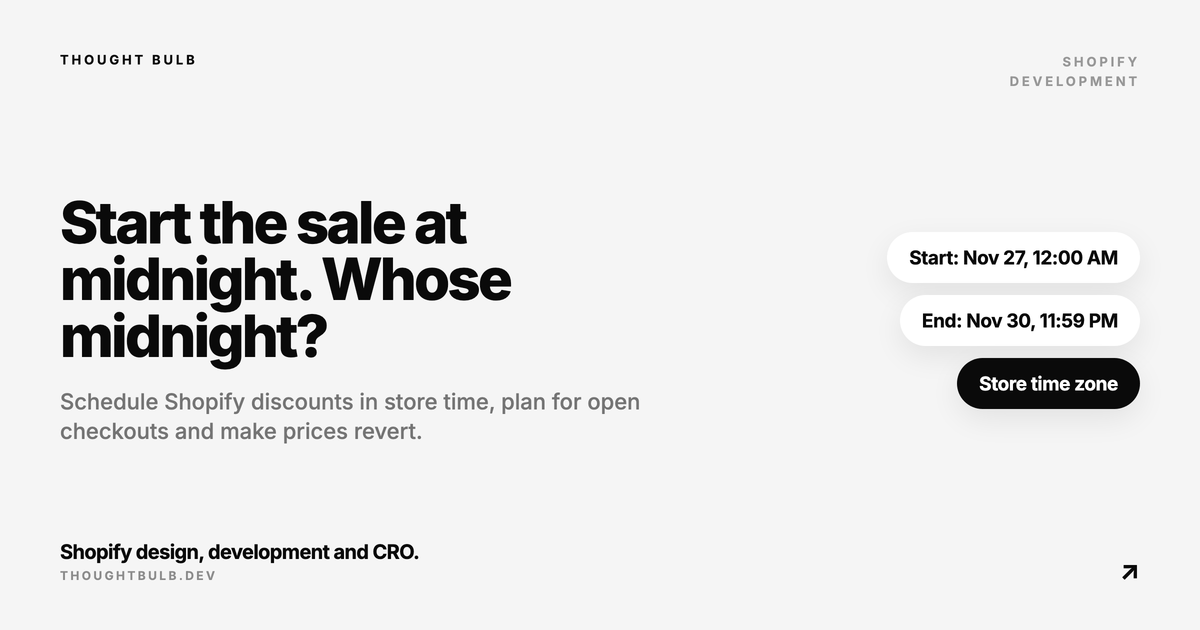
To schedule a Shopify sale that starts at midnight on Black Friday and ends on Cyber Monday night, set it up as a discount or a rollout with an end date, in your store's time zone, and keep your product prices untouched. When a sale starts or ends at the wrong time, the usual cause is a store time zone nobody checked. The next most common is a price someone edited by hand for the weekend and forgot to put back.
The short answer
- ✓Check Settings > General for the store time zone before you enter any date
- ✓Use a discount with Active dates for a sale that runs whole days
- ✓Use a rollout with an end date and time when the sale must end at a set hour, or when the discount should go live with a theme change
- ✓Leave product prices alone, so nothing has to be reverted by hand
- ✓Place a test order an hour before the end and another after it
Native option one: discount start and end dates
Every Shopify discount has an Active dates section. You set a start date, click Set end date if the sale should stop, and pick the end date. Shopify's amount off discount guide says the start and end follow the time zone selected in your admin, and gives the example of a November 26 start on an Eastern time store beginning at 12:00 a.m. EST. For a one day sale, use the same date for start and end.
The help center talks only in dates. If you need a discount to start or stop at an hour that is not midnight, the Admin API takes full timestamps: `startsAt` and `endsAt` on discount objects are DateTime values. Most stores never need that, because rollouts cover the same case without code.
Native option two: Rollouts for discounts and catalog prices
Shopify added discounts to Rollouts on October 2, 2026, and catalog changes on October 23, 2026. A rollout has a start date and time, and an optional end date and time. The create a rollout guide says it uses the time zone in Settings > General. Shopify's requirements page says rollouts need the Basic plan or higher.
For a sale, the type you want is an Event. Shopify describes it as publishing changes for a set period, then rolling them back when the rollout ends, and an Event must have an end date. Inside it you can set discounts to activated or deactivated, and set catalogs to active or draft. A discount keeps its own active dates while it is in a rollout, and a discount can only be in one unended rollout at a time.
Read the managing rollouts page before the weekend. If you end a rollout early and choose to apply the changes permanently, a discount the rollout activated stays active and its end date is removed. Pick roll back at the end of a sale unless you really mean to keep the offer.
We already covered testing themes and checkout with this tool in Shopify Rollouts for A/B testing and validating a redesign, so this post sticks to timing.
Store time zone versus shopper time zone
Shopify schedules against one clock: the store's. A sale that starts at midnight Eastern starts at 9:00 p.m. on Thursday in Los Angeles and at 6:00 a.m. on Friday in Warsaw. That is usually what you want, because everyone gets the same window. It goes wrong when the email says "starts at midnight" to a list spread across the US, or when the store time zone was set years ago by someone in a different country.
- ✓Confirm the time zone in Settings > General before the first date goes in
- ✓Write the zone into the email and banner copy, such as "midnight ET"
- ✓Line up Klaviyo or other email send times with the same zone
- ✓Check that the end date covers the full last day you advertise
Carts and checkouts that start before the end
I could not find a Shopify help center page that says what happens to a shopper who is in checkout when a discount expires. A 2022 community thread has an answer saying the order goes through if the discount was applied and checkout started before expiry, but the person answering is not labelled as Shopify staff. I would treat that as probable and still test it.
Put the sale's end in your copy as a clear time. Then, on a development store or with a cheap product, set a discount to end a few minutes out, start checkout before the end and pay after it. Whatever happens there is what your shoppers will see.
Make sure prices really revert
The safest sale is one where the product price never changes. A discount ends by itself. A hand edited price, or a compare at price someone set for the weekend, stays until a person changes it back, and that person is often asleep on Tuesday morning.
Catalog rollouts help, with limits that are in Shopify's requirements and considerations. A rollout only switches a catalog between active and draft, so it does not restore a copy of your catalog. Edits to a catalog's prices are saved right away, even during a rollout. Shopify POS and product feeds return on their next sync, and Shopify warns that your online store can show different prices from Google or other channels in the meantime.
- ✓Build the sale catalog before the weekend and do not edit it once the rollout is scheduled
- ✓Export prices before the sale so you have something to compare against
- ✓On the morning after, check a product page, the cart and a Google Shopping listing
- ✓Look at the discount's status in Discounts: it should say Expired
How TB Bundles schedules offers
TB Bundles, our bundle app, uses the store time zone too, and the editor shows it next to the date fields. A date with no time counts from 12:00 AM for a start and up to 11:59 PM for an end. Outside the window the bundle widget does not render, and at the end time the app stops accepting new bundle adds.
There is a checkout cutoff to know about. A bundle already in a cart keeps its discount at checkout for the rest of the end date, because checkout checks the date in store time, not the hour. So the discount stops at midnight at the end of that day. If a bundle sale has to stop at an exact time, set the end to 11:59 PM. The scheduling docs have the details, and our Black Friday bundles post covers pricing them.
How Cart Rocket schedules flash sale links
Cart Rocket links have active dates with a start and end date and time, in store time since the November 2026 update. Before the start, a shopper who opens the link is sent to the product or home page with a notice that the offer has not started. After the end, they get a short notice that it is over.
For a Shopify flash sale, turn on the countdown on the options page before checkout. Set it to count to when the link ends, so the timer and the link share one end time. Every shopper sees the same deadline, and at zero the page says the offer has ended and the button stops working. If someone left the tab open and submits anyway, Cart Rocket refuses it. The docs do not say what happens to a shopper who already reached Shopify checkout before zero, so run the same test as above.
Cart Rocket schedules cart links in your store's time zone and can show a countdown that ends exactly when the offer does.
See Cart Rocket for flash sales →