If you want a bigger Black Friday order without cutting 30% off everything, run Shopify bundles on the products people already buy together. A bundle asks for one more item in return for the discount, so the money you give away comes back as extra units in the same order. Black Friday is November 27, 2026. That still leaves time to pick one offer, price it properly and test it at checkout, as long as you start this week.
The short answer
- ✓Pick one bundle type that matches how your customers already shop, and run that one well
- ✓Price it from your product cost, so the bundle earns more profit per order than a single full-price unit
- ✓Schedule it in your store's time zone and test the actual checkout before November 27
- ✓Decide in advance how the bundle combines with your sitewide Black Friday discount
What Shopify gives you natively
Shopify has a free Shopify Bundles app on all plans. It makes fixed bundles and multipacks, and the help center lists up to 30 components for a fixed bundle and a cap of 3 options and 100 variants per bundle. Two details matter for a holiday sale. The bundle price doesn't update when a component's price changes, so you have to edit it by hand. And a product or collection discount won't apply if the shopper only buys the component products.
Shopify's eligibility page also says the app doesn't support mix-and-match bundles, and bundles aren't compatible with subscriptions, pre-orders or try-before-you-buy. Mix and match needs a third-party app or, on Shopify Plus, the Bundles APIs. If a fixed kit at one price is all you need, the free app may be enough.
Which bundle type fits your store
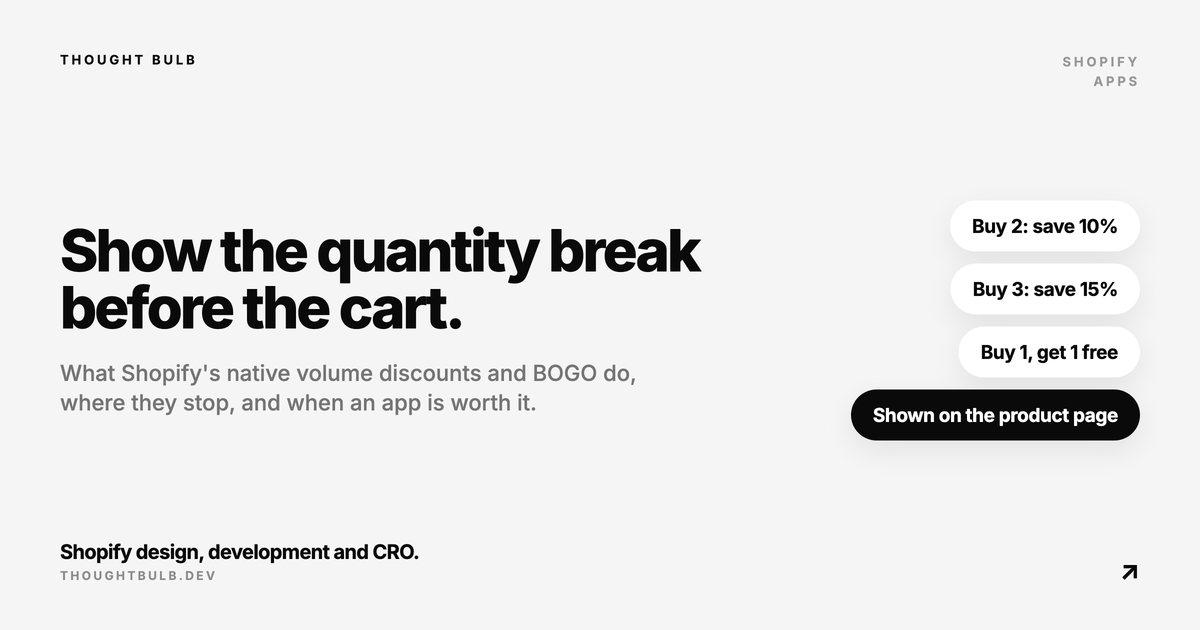
- ✓Quantity breaks for consumables and basics: coffee, skincare, socks, tees. Buy 2 save 10%, buy 3 save 15%
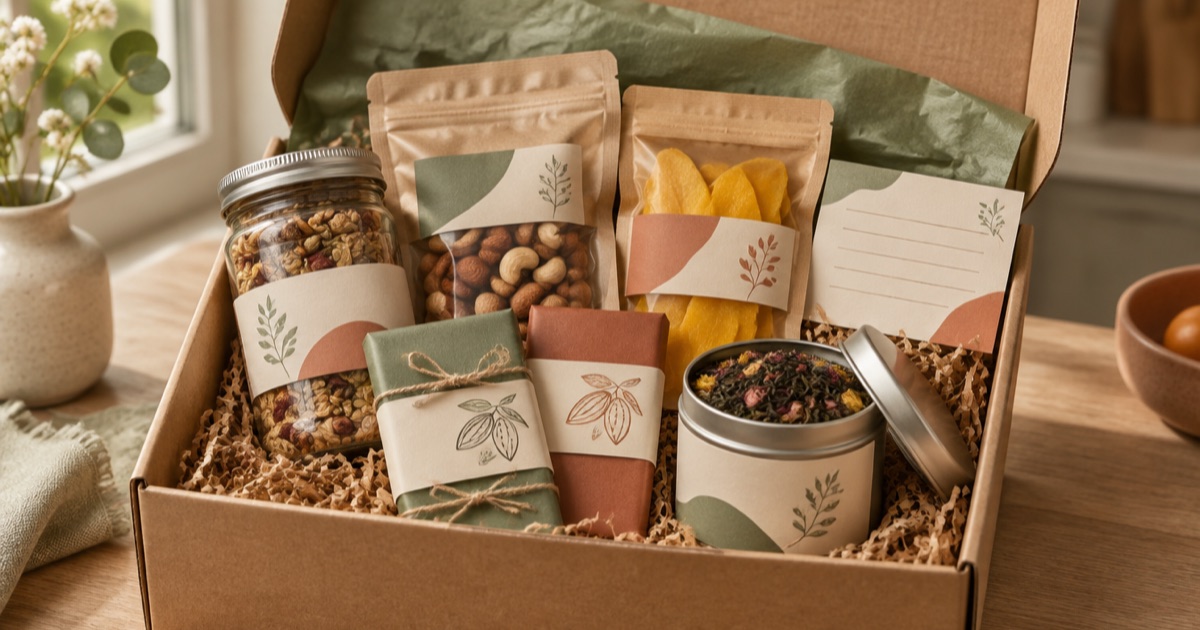
- ✓Fixed sets for gifting: a curated kit at one price, easy to buy for someone else
- ✓BOGO or a free gift when you have a low-cost item worth giving away with a hero product
- ✓Mix and match when one product has too many combinations for Shopify variants, such as a gift box with a choice of scent
- ✓Build your own box for stores with lots of small items, where picking more unlocks a better tier
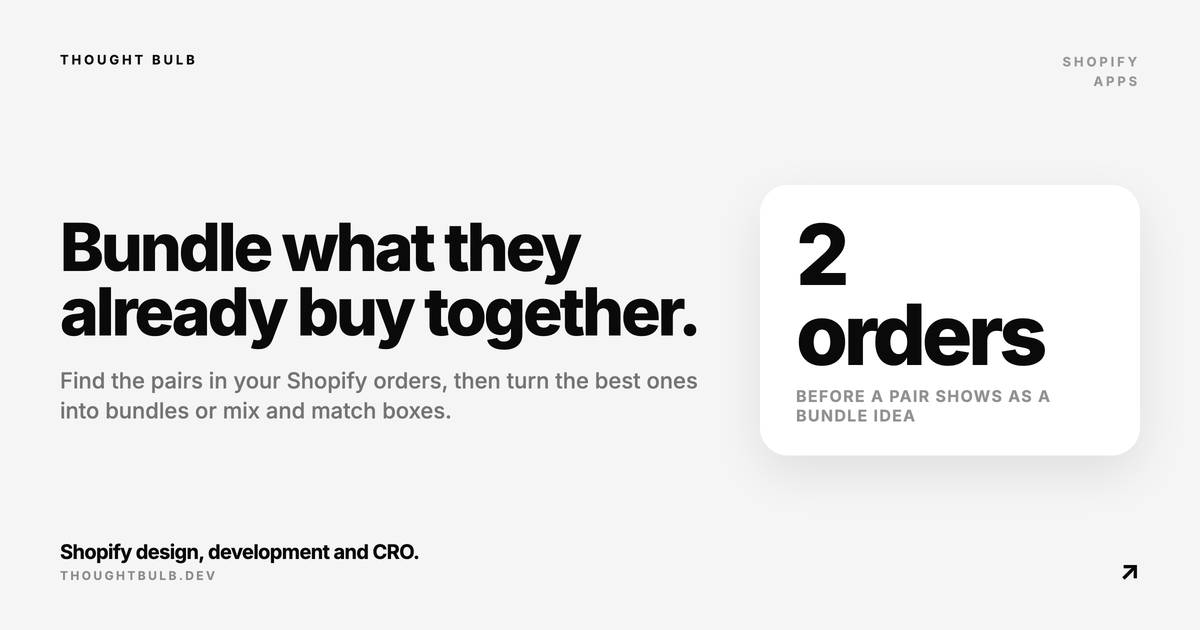
If you don't know where to start, look at your order history. The pair customers buy together most often is your first fixed set. Quantity breaks are the easiest to explain on a product page, which matters when holiday traffic is skimming.
How to price Shopify bundles without killing margin
Do the arithmetic for the whole order. Take a tee that sells for $28 and costs you, say, $11 to make and ship. One tee earns $17. Three tees at 15% off sell for $71.40 and cost $33, so the order earns $38.40. Each tee earns less, yet the order made more than twice as much, and every bundle discount you run should pass that same check.
Run the same sum for your sitewide sale. If Black Friday already takes 20% off the store and the bundle adds another 15% on top, check what the stacked price earns before you go live. Our post on discount stacking on Shopify covers how combination rules decide that.
Mistakes that cost money in November
- ✓Bundling an item that is low on stock, so the bundle sells out on day one and the widget leaves a gap
- ✓Forgetting the end date, so the offer runs into December at the holiday price
- ✓Letting the bundle stack with a sitewide code you never priced together
- ✓Hiding the saving, so shoppers only find out what the next tier is worth once they reach the cart
- ✓Testing on desktop only, then finding the widget or tier ladder breaks on a phone
How to create bundles on Shopify with TB Bundles
TB Bundles is our app. It has five bundle types on every plan, the free one included: fixed sets, quantity breaks, BOGO and free gifts, mix and match, and build-your-own boxes. Help me choose asks two questions and recommends a type. Setup from the quickstart goes like this:
- ✓Install from the Shopify App Store, press Initialize app and turn on the app embed in the theme editor. Your theme files are not edited
- ✓Click Create bundle and pick a type, or start from Bundle ideas, which lists pairs your customers bought together in at least 2 orders since you installed
- ✓Add products and set a percentage off, an amount off or a fixed price
- ✓Choose where it shows: one product, a collection, a tag or every product page, with exclusions, markets and B2B rules
- ✓Give it a start and end in your store's time zone, then set it to Active
The discount is applied by Shopify when the bundle reaches the cart, so shoppers don't type a code and can't change the price in the browser. If another automatic discount gets in the way, switch the offer to code mode and the app makes a code that applies when the bundle is added. Bundles add the real products, so stock is counted on each one, and order lines carry properties such as Part of and Tier for whoever packs the order.
One scheduling detail: a bundle already in a cart keeps its discount at checkout for the rest of its end date, because checkout checks the date in your store's time zone and ignores the hour. If a sale must stop at an exact time, set the end to 11:59 PM.
Add spend tiers for the whole cart
Bundles raise the order on one product page. Spend rewards raise it across the cart: up to five tiers such as 10% over $100 and 20% over $200, a free gift the app adds when the cart reaches its level, and free shipping over a spend you choose. They run on every Shopify plan. Test mode gives you a private link so you can check the real cart bar, gift and checkout discount before the schedule starts. The walkthrough is in running spend tiers and a free gift for Black Friday.
Plans
Free covers your first $200 in bundle and reward sales over the life of the store, with up to 5 active bundles. Starter is $12.99 a month for $1,000 a month in sales and 25 bundles, Growth is $24.99 for $5,000 and 100 bundles, and Pro is $49.99 with no limit. Paid plans start with a 14-day free trial and bill through Shopify. The app emails you at 80% and 95% of your allowance. At 100%, discounts pause until you upgrade or the next month starts, so check your plan before the Black Friday weekend starts.
Before the sale goes live
Place a test order on a phone with the bundle, your sitewide code and an express checkout button. Check the order lines, the discount and the stock count afterwards. Our Black Friday readiness checklist covers the rest of the store. If bundles are part of a wider plan to lift average order value, that is the work we do in Shopify CRO, and when an offer needs logic no app covers, we build custom Shopify apps.
Five bundle types and spend rewards on every plan, styled to your theme, with the discount applied at checkout. Free for your first $200 in sales.
Set up TB Bundles before Black Friday →