The best Shopify frequently bought together offer is the pair your customers already buy without being asked, and your order export will show you which pair that is. Generic bundle ideas from other stores can wait. Once you know the pair, you can show it as complementary products, sell it as a fixed bundle, or open it up into a mix and match box.
The short answer
- ✓Export your orders as CSV and count which products appear on the same order number
- ✓Show the strongest pairs on the product page with Shopify's complementary products block
- ✓Sell the pairs that keep repeating as a fixed bundle at a price you have checked against cost
- ✓Use mix and match or a build-your-own box when shoppers buy from a group of products instead of one exact pair
Shopify has no products bought together report I can point to
I looked for a co-purchase report in Shopify's help center and did not find one. A Shopify Community thread from June 2024 asks for exactly this and mentions a home screen widget that used to show it. The replies point to exports and third-party tools, and no one from Shopify answered. If your admin shows a report I missed, use it. Otherwise, the order export does the job.
Shopify's own recommendations use purchase data, though you never see the numbers. The product recommendations guide says related products are generated from purchase history first, then from description similarity (English storefronts only), then from related collections. You can't edit them or see the counts behind them, so they won't tell you which pair deserves a bundle.
Find the pairs in your order export
Go to Orders, filter to a period that reflects how you sell now, and click Export. Shopify's export guide says an export by date, or of more than 51 orders, is emailed to you and the store owner. The CSV has one row per line item. The Name column holds the order number, and Lineitem name and Lineitem SKU identify the product.
Group the rows by Name, list the products in each order, and count every pair. A pivot table gets you part of the way, but a short script is quicker. This one prints the 20 most common pairs:
import csv, itertools, collections

orders = collections.defaultdict(set)
last = None
with open("orders_export.csv", newline="", encoding="utf-8") as f:
    for row in csv.DictReader(f):
        last = row["Name"] or last
        orders[last].add(row["Lineitem name"].split(" - ")[0])

pairs = collections.Counter()
for items in orders.values():
    for a, b in itertools.combinations(sorted(items), 2):
        pairs[(a, b)] += 1

for (a, b), n in pairs.most_common(20):
    print(n, a, "+", b)
The split line folds variants into their product when the variant title follows the product name after a spaced hyphen, so a medium and a large tee count as one product. Check a few rows of your export first, and drop that line if size or scent matters to the offer. Read the result with some care. A pair can rank high only because both items are bestsellers, so compare its count with how often each product sells on its own. A pair bought together 40 times out of 60 orders of the main product says more than 40 out of 4,000.
Show complementary products on the product page
The cheapest first step needs no discount. In the Search & Discovery app, open product recommendations and add complementary products for the item, up to 10. Shopify describes complementary products as items often bought in addition to the selected product and suggests picking ones priced at or below it. Then add the Complementary products block to the product template in the theme editor.
- ✓The block only works in compatible themes, and only one can sit on a product page
- ✓Complementary products must be active, in stock, published to the Online Store and priced above $0.00
- ✓Items already in the visitor's cart are left out
- ✓You can also set them in bulk through the complementary products metafield
Shoppers still add each item separately and pay full price. When a pair keeps showing up in your export, a bundle gives them a reason to take both at once.
Turn the best pairs into bundles
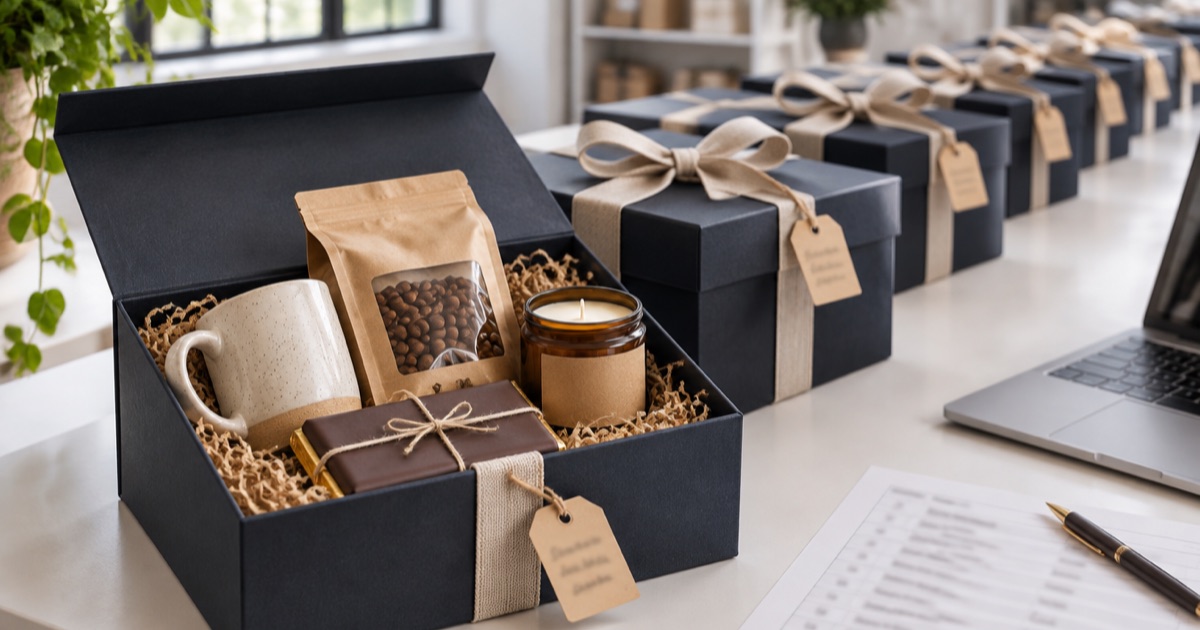
A pair that people buy together every week is a fixed bundle. Price it from your product cost so the bundle order earns more than a single full-price item, and check how it stacks with any sitewide sale. Our Black Friday bundles guide walks through that arithmetic and the bundle types, so I won't repeat it here.
Shopify's free Bundles app covers fixed bundles. Its eligibility page says it doesn't support mix-and-match bundles. For that you need a third-party app, or the Bundles APIs on Shopify Plus.
When Shopify mix and match bundles fit better
Sometimes the export shows no single standout pair. The main product sells with any one of five accessories, or customers fill orders with several items from the same collection, and a fixed set would force a choice they don't want to make.
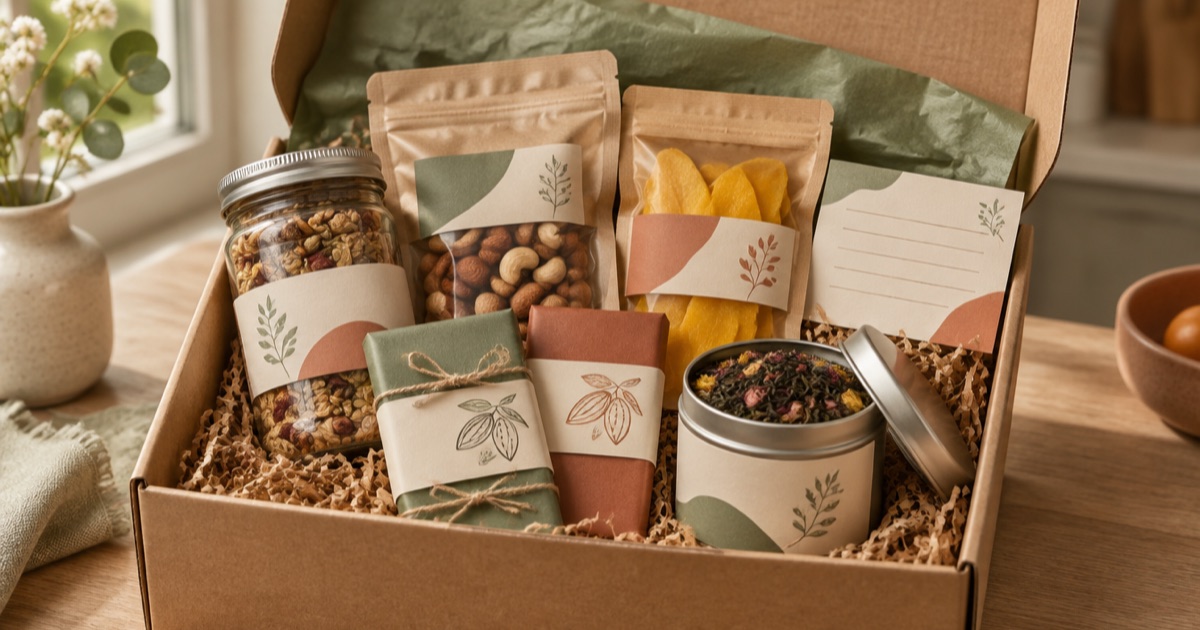
Mix and match suits a fixed hero product with a choice of add-on, such as a candle with a choice of scent. A build-your-own box suits stores where shoppers pick several items from a group, like coffees or skincare minis, and quantity tiers on the box let bigger picks earn a bigger saving.
How TB Bundles does this from your orders
TB Bundles is our app, and it does the counting for you. Bundle ideas lists pairs your customers bought in the same order on the app home page, with a Create bundle button that opens a fixed set with both products in it, saved as a draft.
- ✓It reads orders placed after you install the app, not older ones, so the list starts empty
- ✓A pair shows up once it appears together in at least 2 orders, and the home page shows the top 5 with a count such as Bought together 6×
- ✓Counts build up over the life of the install, and refunds or cancellations do not take an order back off
- ✓From a large order, the first 8 different products are paired with each other
- ✓It is on every plan, Free included, and a draft only counts toward your active bundle limit once you publish it
Because it only sees orders from the install onward, run the CSV method above for your history and let Bundle ideas pick up new pairs from then on.
For the looser patterns, mix and match bundles are built from slots. An item slot is always included and a choice slot makes the shopper pick one option, and add to cart stays disabled until every choice is made. A build-your-own box shows a grid of products, variants or whole collections with minimum and maximum selections, and you can add tiers such as pick 3 for 10% off and pick 6 for 15% off. Tier pricing is resolved on the server, so it can't be changed from the browser. Either type can also go live at 0% off if you only want the guided choice.
If your order data points to a cross-sell no app handles, that is the kind of logic we build in custom Shopify apps. For a wider look at average order value across the store, see our Shopify CRO services.
Bundle ideas from your own orders, plus fixed sets, mix and match and build-your-own boxes on every plan. Free for your first $200 in bundle sales.
Try TB Bundles on your store →