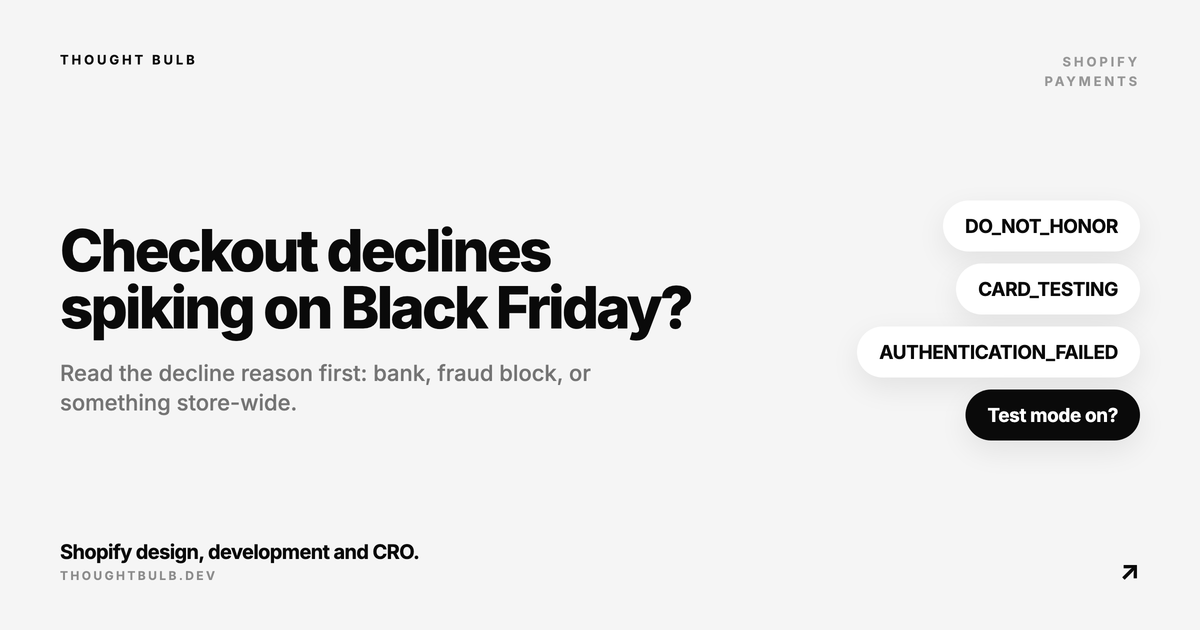
If failed payments jump during your Black Friday sale, read the decline reason on five or six of them before you change anything. A spike in checkout declines usually comes from one of three places: the shopper's bank, Shopify's own fraud blocking, or a store-wide problem. They look the same in your sales chart and need completely different fixes.
The short answer
- ✓Go to Orders > Abandoned checkouts, open a failed attempt, expand the payment event in the Timeline and read the Message field
- ✓Generic bank declines and do not honor: the customer's bank said no, and only the customer can fix it
- ✓Blocked due to high risk of fraud, or a burst of cheap orders from new accounts: Shopify is blocking what looks like fraud, possibly card testing
- ✓Every customer and every payment method failing: check test mode, your payment account status and the Shopify Status page
Where to find the decline reason
Shopify keeps failed attempts with the abandoned checkout, not as orders. In Orders > Abandoned checkouts, open the customer's checkout, expand the failed payment event in the Timeline, and check its Message field. That's the information the bank returned. Shopify's checkout payment troubleshooting guide is open about the limit here: many banks return only a generic decline, so a specific reason isn't always there.
Attempts that Shopify Payments stopped before an order existed are in a separate place. Shopify's fraud analysis page says they appear in the Blocked view of Orders > Abandoned checkouts. If most of your failed attempts are in that view, Shopify's fraud filtering is what's stopping them.
What the decline codes mean
Since API version 2026-04, Shopify reports much more specific decline codes on order transactions. Apps and reports built on the Admin API can read them, and they're useful vocabulary even if you only look at the Timeline. Shopify's changelog entry defines them. These are the ones you'll see most during a sale:
- ✓DO_NOT_HONOR: the issuer declined without giving a reason. Nothing to fix on your side
- ✓INSUFFICIENT_FUNDS: exactly what it says
- ✓AUTHENTICATION_FAILED and AUTHENTICATION_REQUIRED: 3D Secure wasn't completed. The shopper usually needs to approve the payment in their banking app
- ✓FRAUD_SUSPECTED and CARD_TESTING: declined because the attempt looked like fraud or card testing
- ✓TRANSACTION_LIMIT_EXCEEDED: the card hit a processing frequency limit, which can happen when the same card is tried again and again
- ✓MERCHANT_RULE: blocked by a custom payment risk rule on your account
- ✓PAYMENT_PROVIDER_ERROR: an unexpected error at the payment provider, which points to an outage rather than the shopper
If it's the banks
You can't overturn a bank's decision. What you can do is remove the reasons your own checkout gives a bank to say no, and give a declined shopper another way to pay.
- ✓Require the CVV. Shopify's declined payments page says collecting it can significantly improve decline rates
- ✓Watch prepaid gift cards. The same page lists missing billing information, postcode verification and insufficient balance as reasons they get declined, so ask those shoppers to enter the address the card is registered to
- ✓Offer at least one wallet or local method next to cards, so a shopper with a declined card has somewhere to go. If a method you enabled isn't showing, see local payment methods not showing at checkout
- ✓Tell customers what to do. A line on the checkout or in your FAQ saying "if your card is declined, check your banking app for an approval request" catches the 3D Secure cases
If you use Shopify Payments, Shopify says transactions are automatically routed to the processor most likely to authorize them. Shopify doesn't describe a setting for it, so there's nothing to switch on.
If it's fraud blocking
A wall of declined attempts on one cheap product, from new accounts with odd emails and mismatched addresses, is the card-testing pattern. Conversion rate falls because the number of attempts shoots up, while real shoppers may be paying as normal. Our card-testing guide covers how to confirm it and what to do in the first hour.
Shopify Payments includes card testing protection and can block some high-risk attempts before they become orders. That's the behaviour you want, and it also means the occasional real customer gets caught. When someone you know emails to say their payment was blocked, Shopify's suggested route is to confirm it's them, then create a draft order and send them an invoice. Do that one customer at a time, and leave the fraud tools on for everyone else during the sale.
On Shopify Plus, checkout bot protection is a separate tool. It's aimed at auto-checkout bots grabbing limited stock, and Shopify says it isn't meant to fight fraud, so don't expect it to stop card testing. It also has to be activated through Plus Support, which is worth doing before a drop rather than during one.
If it's everyone
When every customer fails on every payment method, the cause is rarely the banks. Check these in order:
- ✓Test mode. If a test mode indicator shows in checkout, real cards won't work
- ✓Settings > Payments. Confirm the account is active and has no hold or missing verification
- ✓The Shopify Status page, for payment processing incidents
- ✓Anything you changed that week: a new checkout app, a payment customization, a theme change on the cart
That last one is the one I'd look at hardest in late November. Payment rules that hide or reorder methods are useful, and I'd still test every one with a real order on each method before the sale. A rule that hides the only method that works for a country can look exactly like a decline spike from inside the dashboard.
Test payments before the sale
Place a real, low-value order on every payment method you offer, from a mobile phone, at least a week before Black Friday, then refund it. Include a wallet, a card that asks for 3D Secure if you have one, and an address in each of your main markets. It takes half an hour and catches the problems the dashboard can't show you. Our Black Friday problems and fixes article covers the other failures that turn up on the day, from discount codes that won't combine to missing shipping rates.
Want a second pair of eyes on payments, discounts and shipping before code freeze? Our Black Friday readiness sprint tests all of it and fixes what fails.
Shopify Black Friday readiness sprint →