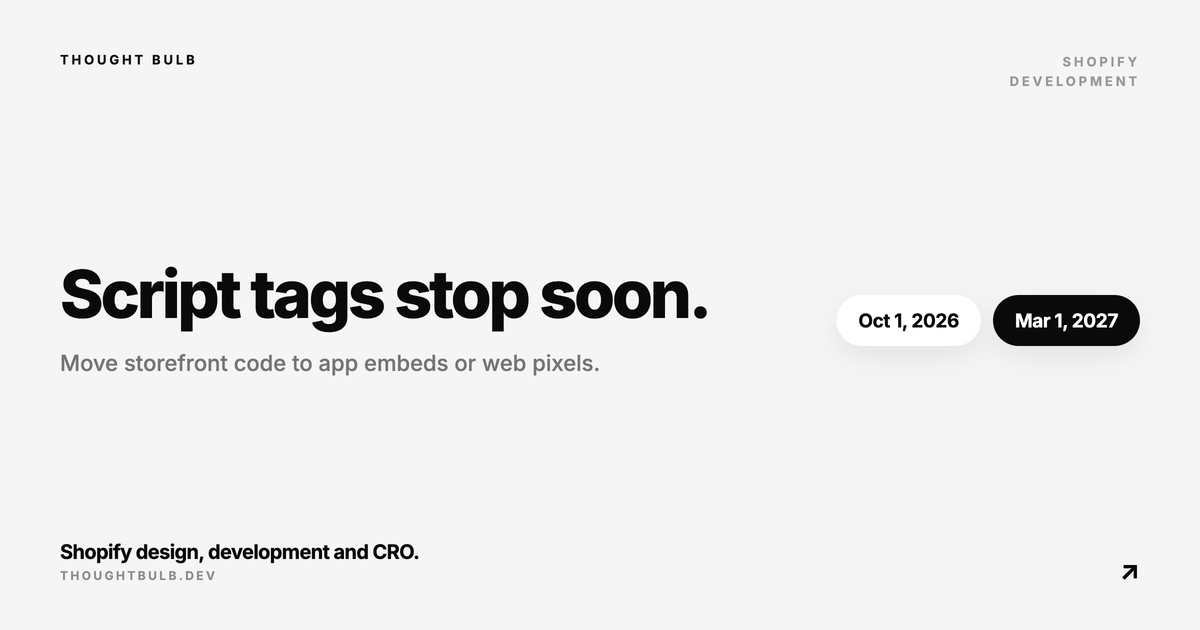
If an app still uses Shopify ScriptTag to load JavaScript on the storefront, ship the replacement before October 1, 2026. Shopify will reject new and updated script tags on that date across every API version. Existing tags keep running until March 1, 2027, then Shopify stops injecting them into storefront pages.
The two deadlines do different things
- ✓October 1, 2026: `scriptTagCreate` and `scriptTagUpdate` return an error, and REST `POST` and `PUT` requests to ScriptTag fail
- ✓March 1, 2027: Shopify stops loading existing storefront script tags
Pinning an app to an older API version will not extend either deadline. Read and delete operations remain available, so developers can still inventory old tags and remove them after the replacement is live. Order status page script tags follow an earlier schedule and need a separate audit.
Find every app that still depends on ScriptTag
Start with the `scriptTags` GraphQL query using a token the app already holds for each installed store. Record the tag ID, source URL, display scope, app owner and what the script does. Agencies with one custom app per client need to repeat the check for every app and store.
- ✓Storefront interface such as a popup, badge, widget or injected content
- ✓Analytics, advertising or conversion tracking
- ✓Behaviour that changes cart, product or navigation interactions
- ✓A third-party service installed through an admin-created custom app
- ✓An abandoned integration that still loads code but has no active owner
Do not assume an app is safe because it has an extension in the theme. Some apps added an app embed for new installs while older stores kept their ScriptTag path. The installed store is the unit you need to verify.
Choose an app embed or a web pixel
Use an app embed block when the code must load on storefront pages, inject markup or react to the customer's theme. App embeds ship inside a theme app extension and work on vintage themes as well as Online Store 2.0 themes. The merchant can see and disable them in the theme editor.
Use a web pixel when the old script only records analytics, conversions or customer behaviour. Shopify says web pixels do not need activation in the theme editor. The app creates the pixel through the API after the merchant approves the required customer-event scopes.
Regular app blocks solve a different problem. They let merchants place visible content inside compatible theme sections and require JSON templates. A floating widget or site-wide loader usually belongs in an app embed, while a review summary that the merchant positions beside the product title can be an app block.
Plan for merchant activation
App embed blocks start inactive. Send the merchant to the theme editor with a deep link that preselects your embed, then check whether it is active on the published theme. The migration is incomplete until that verification succeeds.
Apps with many quiet installations have a reach problem. Some store owners rarely open the app, the account email may belong to an agency, and enabling an embed in a draft theme does not enable it in the published one. Shopify's developer community has asked for a programmatic activation path, but the current documentation still requires merchant action.
Avoid the double-load window
Keep the ScriptTag until the replacement is confirmed, but make the overlap short. A script tag and app embed running together can render a widget twice, register duplicate event handlers or count the same analytics event twice. Add an idempotency guard where practical and test the browser network panel before deleting the old tag.
- ✓Enable the replacement on a development or duplicate theme
- ✓Confirm the expected asset loads once and the feature works
- ✓Publish or test against the actual published theme
- ✓Delete the old ScriptTag only after the app embed or pixel is confirmed
- ✓Publish another theme and verify the embed state again
Handle admin-created custom apps separately
Apps created directly inside the Shopify admin cannot use app extensions. Shopify's documented fallback is to move the JavaScript into the theme through Custom Liquid where possible, or edit theme code when necessary. That code will stay behind if the app is removed, and a direct edit can take the theme off its automatic update path.
If an agency maintains the custom app, ask them to own the migration and document the new location. If a service asked you to create a custom app and paste an access token into its dashboard, the service needs to release a proper app with a supported extension or pixel. Avoid copying remote scripts into the theme without reviewing what data they collect and how they update.
Test the migration as a storefront release
- ✓Test the feature on product, collection, cart and content pages where it is expected
- ✓Check consent behaviour and event duplication for any tracking code
- ✓Measure page weight and main-thread work before and after the move
- ✓Verify uninstall cleanup and behaviour when the embed is disabled
- ✓Test a theme publish because app embeds are enabled per theme
- ✓Keep a rollback path until the old tag is deleted
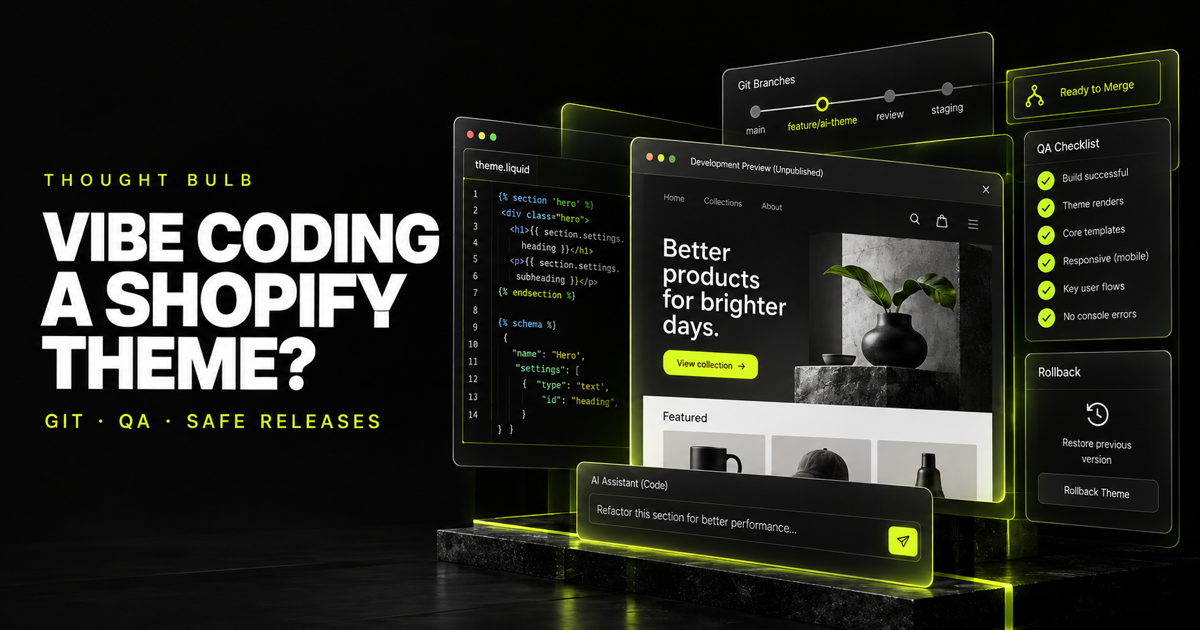
Treat this like any other storefront release. Our safe AI-assisted Shopify theme workflow has the Git, Theme Check, QA and rollback steps we use when code touches a live theme.
Migration checklist
- ✓Inventory storefront and order-status script tags for every installed store
- ✓Name the owner and purpose of each remote script
- ✓Choose app embed, app block, web pixel or a documented custom-theme fallback
- ✓Release the replacement before October 1, 2026
- ✓Guide merchants through activation and confirm the published theme
- ✓Check for duplicate loading, then delete the ScriptTag
- ✓Monitor remaining installations and finish before March 1, 2027
Shopify's changelog confirms the API cutoff, the final storefront date and the supported replacement paths.
Read Shopify's deprecation notice →The migration guide covers auditing tags, choosing app embeds or web pixels, activation, duplicate loading and custom-app limitations.
Open Shopify's storefront migration guide →Developers are discussing the lack of automatic app-embed activation and the risk to stores whose owners do not reopen an installed app.
Read the developer discussion →We can audit a private or public Shopify app, build the theme app extension or web pixel, and run the merchant migration before the cutoff.
Plan a ScriptTag migration →