Most theme and checkout launches on Shopify are still all or nothing: publish, watch the numbers, hope. On June 5, 2026, Shopify announced that Rollouts can schedule, gradually publish, and A/B test themes plus checkout and customer account configurations. That fixes the release mechanism. It does nothing about the way most merchants design a test.
The problems store owners are working on right now (retention, reviews, loyalty, checkout behaviour, abandoned journeys, trust after purchase) are rarely fixed by one theme edit. They want to try things without destabilising the live store. Rollouts helps with the second half of that. The first half, choosing what is worth testing, is still yours to do.
The short answer
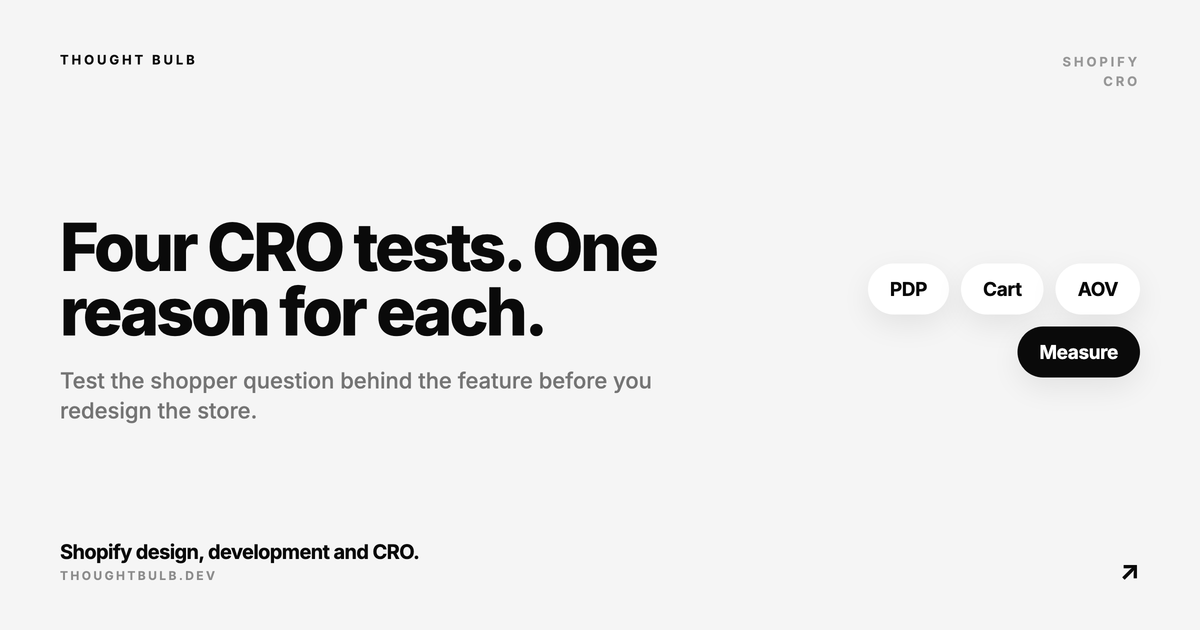
Shopify Rollouts lets eligible merchants schedule a new theme or checkout configuration, publish it to a percentage of visitors, and compare two experiences. Use it for one narrow question at a time: a single checkout upsell, a single product page layout, one customer account change, or one market-specific experience. Do not turn it into a dumping ground for every pending design idea.
What Shopify Rollouts now supports
- ✓Schedule a theme, checkout, or customer account configuration to go live later
- ✓Swap to a different theme or checkout setup for a set period and have it revert on its own afterwards
- ✓Publish a new experience to a percentage of visitors before releasing it to everyone
- ✓A/B test two themes or checkout configurations against each other
- ✓Test market-specific content and localised experiences without repeating the whole launch process
- ✓Create a copy of the live theme or configuration before the experiment starts
Where merchants will get this wrong
A/B testing a new theme sounds clean until the variant also changes navigation, PDP media, reviews, checkout messaging, cart drawer behaviour, shipping copy, and account links in one go. Then revenue moves, or conversion drops, and nobody can say which change did it.
- ✓Changing too many visual and checkout elements in one experiment
- ✓Running a test with no analytics events for add to cart, checkout started, payment step, purchase, and post-purchase actions
- ✓Changing apps during the same window as the rollout
- ✓Skipping mobile QA on the checkout, customer account, and cart paths
- ✓Testing a localised market without checking translations, duties, shipping copy, and currency formatting
- ✓Stopping the test early because one day of data looks exciting
A practical testing order
Start closest to revenue. If the store already has traffic, the first tests worth running are usually PDP clarity, cart confidence, checkout trust, shipping expectation copy, and account or reorder flows. Those are the places where a clean test settles an argument that would otherwise run as a redesign debate.
- ✓Pick one conversion question, such as whether a PDP trust block improves add-to-cart rate
- ✓Clone the live configuration and change only the elements that question needs
- ✓QA the variant on desktop, mobile, logged in, logged out, and your main markets
- ✓Confirm event tracking before the rollout begins
- ✓Roll out gradually if the change touches checkout, account pages, cart logic, or high-revenue templates
- ✓Write down the result and keep only what earned its place
"Rollouts makes safer experiments possible. It does not make messy experiments useful."
— Thought Bulb
How this connects to Shopify CRO work
We use HiveSense to find the revenue leaks first, then turn the biggest ones into scoped theme or checkout changes. Rollouts gives those changes a cleaner release path. You test the fix on a slice of traffic, watch the metrics that matter for that question, and stop treating every improvement as a full launch.
Read Shopify's changelog announcement for the source details on scheduling, gradual publishing, and A/B testing.
Read the Shopify Rollouts update →Not sure what is worth testing before you touch the live store? Our Shopify CRO service starts with PDP revenue leaks and turns them into scoped implementation work.
Plan a Shopify CRO sprint →