If Shopify sessions fell around September 21 to 23, 2026 while orders stayed normal, check the analytics update before touching your ads or storefront. Shopify changed how sessions are measured and started hiding identified bot sessions from session reports by default. That can make traffic, conversion rate and channel reports jump overnight even when customer behaviour did not.
What Shopify changed
Shopify's session measurement update rolled out from September 21 to 23, 2026. A session now continues across midnight UTC while the visitor remains active and still ends after 30 minutes of inactivity. Shopify also counts some sessions without a pageview, including a customer who opens checkout from a cart link.
The visible change for many stores is bot filtering. Identified bot sessions are excluded from session reports by default. Reports that support the Human or bot session filter can include them again, while the admin home page and Live View keep them filtered with no switch.
- ✓Sessions can decrease when Shopify removes traffic it classifies as automated
- ✓Sessions can increase when checkout-first visits are counted
- ✓A visit that crosses midnight UTC can count once instead of twice
- ✓Conversion rate, add-to-cart rate, checkout rate and bounce rate can move because their session denominator changed
- ✓Orders, sales and customer totals are unaffected by the measurement update
First check whether the store actually lost traffic
Start with the numbers Shopify says were not changed: orders, sales and customer counts. Compare September 24 onward with a similar run of weekdays before the rollout. If those totals are steady while sessions moved sharply, you are probably looking at measurement before you are looking at demand.
Do the same check in GA4 and your paid media platforms. Their totals will not equal Shopify because each tool handles sessions, consent and bots differently. You are looking for a shared direction. If every source shows a fall and sales followed, investigate acquisition. If the break appears only in Shopify on the rollout date, keep working through this checklist.
Check the Human or bot session filter
Open Analytics, then Reports, and choose a session report such as Sessions by landing page or Sessions by device. Add the Human or bot session dimension or change the filter to include both groups. A large block of familiar traffic returning under the bot label explains the missing sessions.
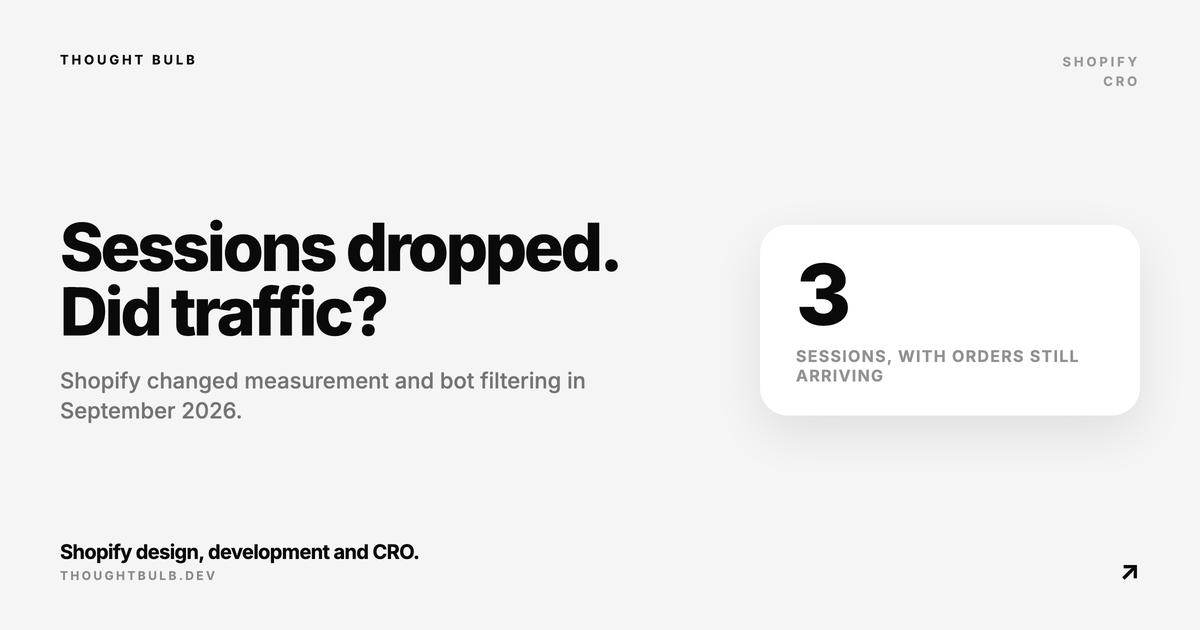
One merchant reported only three sessions for a day that produced orders. Their own phone visit appeared after bot sessions were added to the report. That is useful evidence, though it does not prove every low-session report is a classification bug. Shopify's bot filtering guide explains where the filter is available and how it changes session-based reports.
Run a controlled visit
- ✓Open the live store in a private Safari or Chrome window with no ad blocker
- ✓Enter through a distinctive URL with a test UTM parameter and note the exact time
- ✓View two pages, add a product to cart and wait for reporting to catch up
- ✓Check whether the visit appears as human, appears only when bots are included, or never appears
- ✓Repeat once through the in-app browser in Instagram, Facebook or TikTok if paid social is affected
A repeatable result gives Shopify Support something to investigate. Send the timestamp, device, browser, landing page and screen recording. 'Sessions look low' is hard to escalate. 'This iPhone visit at 14:07 appears only under bot traffic' is specific enough to trace.
Rule out consent and storefront tracking problems
A cookie banner can reduce Shopify and GA4 tracking when visitors decline consent. Check whether a privacy app updated, regional privacy settings changed, or a new banner went live at the same time. Shopify records orders on the server, so a store can have two orders and almost no tracked sessions when the storefront pixel is being blocked.
Also review recent theme publishes. A custom edit that removes or delays `content_for_header`, a broken pixel setup, or an incomplete headless implementation can lose session data. Shopify says some headless stores need cookie migration work as part of this update. Treat a visit that never appears, even with bots included, as a tracking problem until you prove otherwise.
Build a new conversion baseline
Do not compare a September 24 conversion rate directly with the first half of the month. Shopify advises using post-update data as a new baseline. The old data still exists, but the measuring stick changed. Label the rollout in your reporting dashboard and compare like-for-like weeks after September 23.
For campaign decisions during the changeover, use actual orders, net sales, customer acquisition cost and the ad platform's own conversion data. Keep Shopify sessions as a diagnostic metric until you have enough post-rollout days to understand the new range. Our guide to Shopify checkout funnel analysis covers the same principle when two platforms define a checkout step differently.
What to send Shopify Support
- ✓The date and hour when the session drop began
- ✓A Sessions by landing page export with the Human or bot session dimension
- ✓One controlled visit with its timestamp, device, browser and URL
- ✓Any privacy app, theme or headless tracking change made that week
- ✓A comparison of orders and sales showing whether commerce changed with the report
Shopify documents the September 21 to 23 rollout, the changed session rules, the affected metrics and how historical comparisons should be handled.
Read Shopify's session measurement update →This September 24 merchant report shows the exact symptom: orders recorded while normal visits were placed in Shopify's bot bucket.
See the current merchant discussion →If your controlled visits disappear completely or attribution still looks wrong after the new baseline settles, we can audit the theme, consent setup, pixels and reporting path.
Book a Shopify analytics audit →