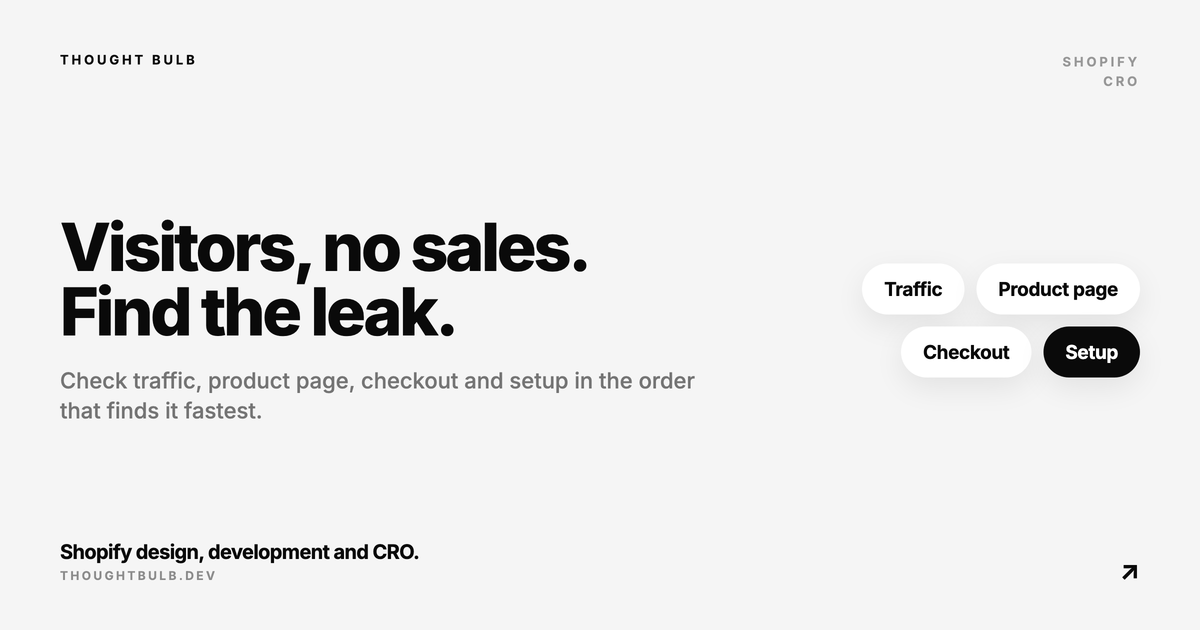
If your Shopify store gets visitors but no sales, find the step where people drop out before you touch the theme or the ad budget. A store that isn't converting usually has one leak, and you can find it in the admin today. This is the order I check things in for small or newer stores.
The short answer
Open the Conversion rate breakdown report. Very few sessions means a traffic problem. Plenty of sessions but almost no cart additions points at the product page. Carts that never become orders point at checkout, shipping or payments. Before any of that, spend five minutes on the setup checks at the end of this post, because a password page or an inactive country blocks every order no matter how good the store looks.
Step 1: is it a traffic problem or a conversion problem?
In your admin, go to Analytics, then Reports, and open Conversion rate breakdown. It shows four steps: All sessions, Sessions with cart additions, Sessions that reached checkout and Sessions that completed checkout. Shopify calculates each step's rate as the sessions at that step divided by all sessions, and you can switch between an open and a closed funnel.
Look at the last 30 days and read the raw counts, not only the percentages. With a few dozen sessions a week, one extra order swings the rate a lot. The biggest drop between two steps is where you start. If the drop happens between reaching checkout and completing it, read our post on checking the funnel definition before fixing checkout first, since open and closed funnels can tell different stories.
I'm not going to give you a target conversion rate. Published benchmarks define a session in different ways and sample very different stores. Shopify also changed how it counts sessions in September 2026, which can move a store's numbers with no change in real traffic (what changed). Compare your store with itself.
Step 2: if traffic is the problem, check its quality
A low session count is a marketing problem. A decent session count made of the wrong visitors is harder to spot, because the store looks busy. These reports sit in the same Reports list:
- ✓Sessions by location: are visitors coming from the countries you actually sell and ship to? Traffic from elsewhere can't turn into orders, however good the page is.
- ✓The Human or bot session filter: Shopify removes sessions it identifies as bots from session reports, and its bot filtering is deliberately conservative, so some bots still get through. Lots of cart additions with no checkouts is a classic sign, covered in how to detect fake add-to-carts.
- ✓Sessions by landing page: if your paid ads send people to the homepage, they have to find the product themselves. Point product ads at the product page.
- ✓Sessions by referrer: check that the channel you pay for shows up at all, and in roughly the volume the ad platform claims.
Step 3: people arrive but don't add to cart
This is the product page. Open it on your own phone, on mobile data, and pretend you have never heard of the brand. Then go through these:
- ✓The price is obvious, and it updates correctly when you pick a variant
- ✓Shipping cost or a free shipping threshold is visible near the add to cart button, so checkout holds no surprise
- ✓Photos show scale and detail, and the first image loads quickly
- ✓Reviews or other proof appear near the top of the page, above a long description
- ✓The add to cart button is reachable without long scrolling on mobile, and the variant picker works with a thumb
- ✓Delivery time and the returns policy are stated in a line each
For speed, the same Reports list has Largest Contentful Paint by page type, which shows whether product pages are slower than the rest of the store. If most of your traffic is mobile, why your Shopify PDP is not converting on mobile goes deeper on what to fix first.
Step 4: they add to cart but don't finish checkout
Go to Orders, then Abandoned checkouts. Shopify counts a checkout as abandoned when it stays incomplete for more than ten minutes after the customer gave their email. Then place a test order yourself, on a phone, to the kind of address your customers use. Watch for these:
- ✓Surprise shipping costs: if checkout is the first place a customer sees a high shipping price, many will leave. Show it earlier or change the rate.
- ✓No shipping rate for some addresses: customers whose address isn't covered by your shipping zones see a notice that no rate is available. Check Settings, then Shipping and delivery, and work through shipping not available at checkout if it happens.
- ✓Missing payment methods: Settings, then Payments shows what you offer, and Shopify shows some methods only to customers in certain countries. If your buyers expect a local method, see local payment methods not showing at checkout.
- ✓The discount code field: a code you promoted that doesn't apply can lose the sale on the spot, so test every live code. A visible code box can also send people off to search for one, which matters more if you rarely run promotions.
Step 5: trust signals and policies
On a new store with an unknown name, the first question a visitor asks is whether the shop is real. Add your refund, privacy, shipping and terms policies in Settings, then Policies; Shopify links them in the checkout footer once they exist. Then check the storefront itself:
- ✓Policies are also linked from the footer of every page
- ✓A contact page with a real email address, and a reply time you can keep
- ✓An about page that says who runs the store and where it ships from
- ✓No leftover theme demo text, placeholder images or sample reviews
Step 6: rule out setup mistakes that block every sale
These are the Shopify issues that take an order count to zero. Check them early if the funnel shows almost nothing completing.
- ✓The password page is still on. Shopify calls this private mode. Go to Online Store, click Private, select Public and click Update. On a trial plan, or without a business address, Shopify asks you to sort that out first (Shopify's guide).
- ✓A country isn't active. In Settings, then Markets, make sure the countries you sell to are active and have a shipping rate. Merchants in the Shopify Community regularly report countries missing from the checkout dropdown for this reason.
- ✓Products can't be bought. Check the product status is Active and not Draft, and that the Publishing section includes your Online Store and markets. A tracked variant at zero stock with Continue selling when out of stock switched off can't be purchased. If products show sold out while you have stock, see products showing sold out when in stock.
- ✓A checkout or cart app broke. Upsell, delivery date and cart drawer apps can stop working after an update. Disable them one at a time and run a test order after each.
If everything checks out
If setup is clean and the funnel shows a steady but small drop at each step, the fixes are slower work: offer, pricing, product page content and ad targeting. Spend on the step closest to the order first. How to prioritize Shopify CRO when traffic is expensive lays out that order.
If the funnel points at the product page, our Shopify CRO sprint starts with one PDP. We scan it with HiveSense, review it by hand and ship the fixes that should come first. Packages start at $1,500, and if the real problem is traffic or tracking, we'll tell you.
See Shopify CRO services →