If Meta Ads Manager says 500 purchases and Shopify says 300 orders, Shopify is right about how many orders you took. Meta is answering a different question: how many purchases it thinks its ads influenced, inside its own attribution window, partly estimated. GA4 answers a third question again. Before you cut a campaign or rip out a tracking app, find out which question each tool is answering and whether the same order is being counted twice.
The short answer
Treat the Shopify Orders list as the record of what you sold. Use Meta and GA4 to compare campaigns and channels against each other over time. Some gap between them is normal and does not need fixing.
The exception is when Meta reports more purchases than every order Shopify recorded in the same period. Attribution rarely explains that on its own. Look for duplicate Purchase events and mismatched time zones before anything else.
Why Meta reports more purchases than Shopify
Meta counts a purchase when it can connect it to someone who clicked or saw your ad within the attribution setting on the ad set. The setting most guides describe as the default is 7-day click and 1-day view. I could not confirm the current wording on Meta's own help page, so open Ads Manager and add the Attribution setting column to see what your ad sets actually use.
View-through is the part that surprises people. A shopper sees your ad, does not click, searches your brand on Google that evening and buys. Meta counts the purchase, GA4 credits Google organic or paid search, and Shopify records one order. Every platform claims the same sale, so their totals added together will usually exceed your real order count.
Meta's metric definitions also say statistical modeling may be used to account for some events when they cannot be counted directly because of partial or missing data. Those modeled purchases appear in the same column as observed ones.
Double counting is the other common cause. Shopify stores often send Purchase from the browser pixel and from the Conversions API at once. Meta only merges the two when the event name and event ID match and both arrive within 48 hours, according to its deduplication documentation. A second tracking app, a custom pixel or a Purchase snippet left in old theme code can each add a copy Meta has no way to merge.
Why GA4 shows fewer orders and different revenue
GA4 depends on the visitor's browser. Shopify's discrepancies guide points out that Google can only count visitors with JavaScript and cookies enabled, and that browser extensions can block it entirely. Shopify records the order on its own servers, so a blocked tag loses the purchase in GA4 and nowhere else.
Cookie banners take a further cut in regions where you ask for consent. Google's consent mode modeling can estimate some of the missing behaviour, but only when the property meets its thresholds, including at least 1,000 events a day with analytics storage denied for seven days and enough consented users to train the model. A smaller store may never reach that, and then declined visitors just drop out of the reports.
Attribution differs too. GA4 uses the data-driven model by default and a 90-day lookback for most key events, per its attribution settings. Shopify's marketing reports default to last non-direct click. The same order can sit under a different channel in each tool. GA4 revenue comes from the purchase event, and whether that includes tax, shipping and discounts depends on how the tag was set up.
Shopify's own numbers follow rules too
- ✓Test orders are left out of Sales reports but appear in the orders export, according to Shopify's sales discrepancies page
- ✓Returns and refunds are recorded when they happen, so a date range that misses either the order or the return shows only half the story
- ✓POS sales and orders created from draft orders in the admin never pass through the online store, so ad pixels and GA4 usually don't see them
- ✓Your store time zone, Meta ad account time zone and GA4 property time zone can differ, which moves late evening orders onto different days
- ✓The ad account, GA4 property and store can each report in a different currency, and conversion rates vary by day
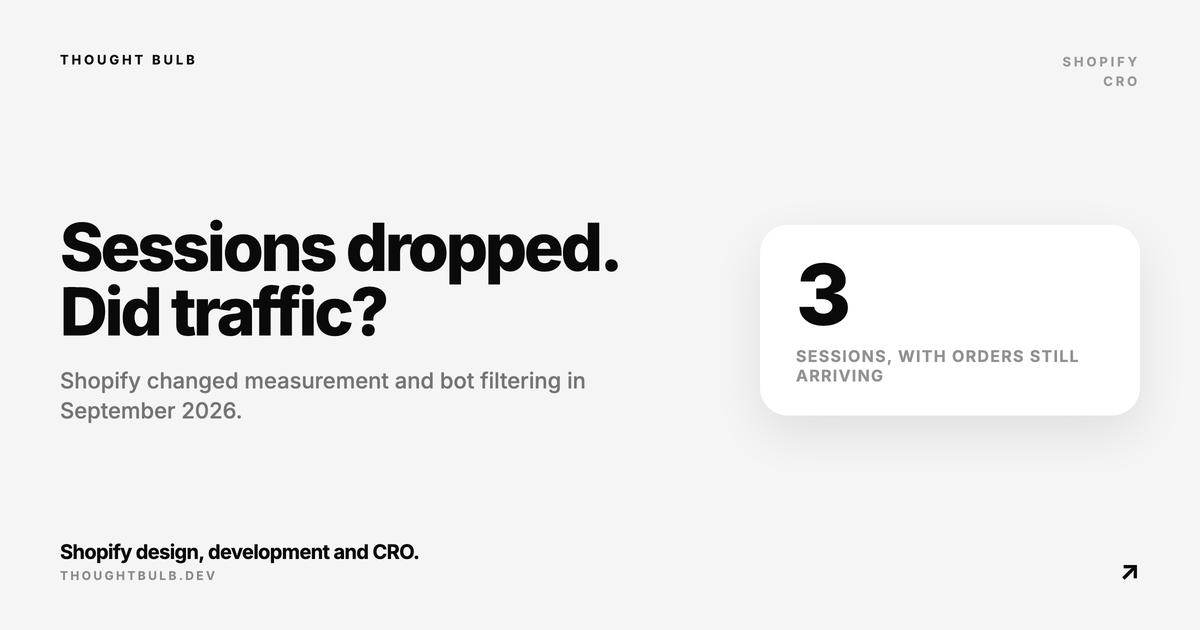
Sessions and conversion rate need extra care this autumn. Shopify changed how sessions are counted between September 21 and 23, 2026 and now filters identified bots by default, while orders and sales were not affected. Our post on why Shopify sessions dropped covers that change. If add-to-cart numbers look inflated as well, read our guide to bot traffic polluting Shopify analytics.
A 30-minute reconciliation check
- ✓Pick a closed 7-day window that ended at least two days ago, since Shopify says marketing reports can take up to 24 hours to update. Write down the time zone each tool reports in
- ✓Export Shopify orders for that window. Remove test orders, then count POS and draft orders separately so you have an online store order count
- ✓In Ads Manager, note purchases and purchase value for the same dates with the Attribution setting column visible. If purchases exceed your online store order count, go straight to the next step
- ✓In Meta Events Manager, open the Purchase event and check whether it arrives from both browser and server, and whether Meta shows a warning about missing deduplication parameters
- ✓List everything that can send Purchase: the Facebook and Instagram sales channel app, any tracking or review app, custom pixels under Settings, Customer events, and old snippets in theme code. There should be one source per channel
- ✓In GA4, compare the transaction count with your online store orders and look for transaction IDs that appear twice
- ✓Compare revenue on the same basis. Decide whether you are matching Shopify gross sales, net sales or total sales, and check what your GA4 purchase event includes
- ✓Write down the ratio of each tool to Shopify and repeat the check monthly. A stable ratio is fine. A sudden jump usually means tracking changed, often through a new app or a consent banner update
When the Shopify dashboard is not working or Live View is empty
Sometimes the problem is the report itself. Check Shopify's status page first. Then look for an alert icon on dashboard cards: Shopify shows a warning icon when data has been delayed for over 30 minutes and a critical icon during a major outage.
If nothing is flagged, check the date range, comparison period and any sales channel filter before assuming data is missing. Live View only counts visitors active in the past 5 minutes and filters most bots, so a quiet hour can look empty. During heavy processing it shows a delay message that Shopify says usually clears within one to two hours.
Finally, check staff permissions. Shopify's store permissions split Analytics into dashboards, which covers Overview and Live View, and reports. A staff member without them sees blank or missing pages. Our knowledge base article on the Shopify admin dashboard not loading walks through browser and session fixes as well.
If Meta, GA4 and Shopify still disagree after this check, we can trace consent, pixels, the Conversions API and theme code as one system and tell you which number to trust for each decision.
Book a Shopify technical audit →