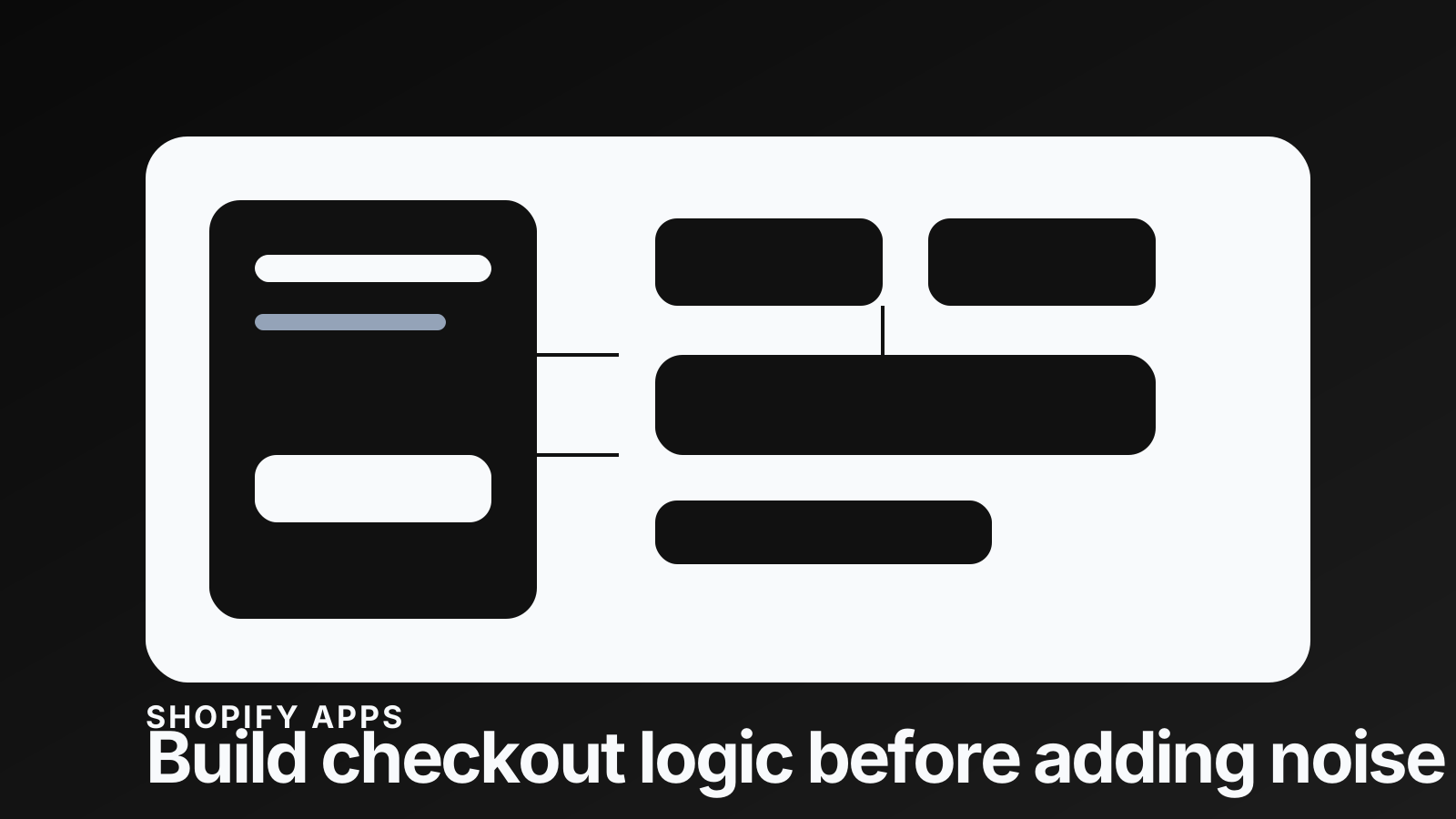
Checkout, customer accounts, and sign-in pages read as one surface to a shopper, and Shopify's 2026 updates keep pushing them that way: more unified, more app-extensible, less forgiving of a messy implementation. Teams that have treated the account area as an afterthought tend to notice it first.
The unified branding update lets you manage checkout and account styling from one place. That sounds like a design convenience, and the bigger gain is operational. When the journey from product page to checkout to account area feels fragmented, trust leaks at the point where confidence matters most.
Checkout is not the only surface being judged
Brands often over-focus on the checkout screen itself. Checkout matters, and customers also judge the handoff into it, the sign-in prompt, the order status page, and the account area they land in after buying. When those feel visually disconnected, the store starts to read as assembled from parts.
- ✓The product page creates desire and answers buying questions
- ✓The cart confirms the decision and takes uncertainty out of it
- ✓Checkout asks for commitment and payment
- ✓Customer accounts handle reassurance, tracking, reorders, and support
- ✓Sign-in pages can either feel native to the brand or land like a platform interruption
Aim for intentional rather than identical. Surfaces can differ, as long as each one looks like someone chose it. A premium storefront with an unbranded account area creates a credibility gap that is quiet and expensive.
What to audit first
Before you change any settings, walk the journey as a customer. Start on a mobile product page, add a product with real variants, open the cart, begin checkout, trigger sign-in, read the account pages, then check the post-purchase path. Most of the problems show up in the transitions.
- ✓Logo sizing and contrast across checkout, sign-in, and account pages
- ✓Background and section colours that match the storefront without hurting readability
- ✓Button hierarchy between cart, checkout, account actions, and support links
- ✓Typography consistency, especially on small mobile screens
- ✓App blocks that look bolted on or compete with the primary action
- ✓Trust copy, delivery expectations, and policy links that disappear too early
Unified branding is not a theme setting
The settings are useful. The judgment is the work. A brand colour that carries a hero section can fail behind a checkout form. A bold display typeface that looks strong in a campaign often feels noisy in an account surface. A dark theme can look premium on the storefront and make utility pages feel heavy.
Decide which parts of the brand carry through and which parts get held back for clarity. Checkout and account pages are functional surfaces, so they should keep the decoration off them and let the brand show through in type, colour, and tone.
Where developers still matter
The editor can align many visual settings, and it will not fix a customer experience problem on its own. If apps inject conflicting UI, if theme copy sets the wrong expectation, if the cart handoff is weak, or if account customisation depends on extensions, the work is technical again.
- ✓Map which apps touch checkout, accounts, pixels, subscriptions, loyalty, or post-purchase flows
- ✓Review checkout and account extensions before you change the brand system
- ✓Check that app blocks still look native after a global branding change
- ✓Confirm mobile safe areas and fixed elements do not cover actions in Shopify mobile contexts
- ✓Write down which changes are editor settings and which need code or app-extension work
"Checkout polish is not just the checkout screen. It is the feeling that the customer never left the brand."
— Thought Bulb
Where to start
If your store has been through several redesigns, app installs, and checkout changes, run the surface audit before you add more UI. Look for inconsistency, friction, and fragile extension behaviour. Then fix the parts closest to payment and post-purchase reassurance, because that is where doubt costs you an order.
If you want a prioritised view of the conversion issues across your storefront, run a HiveSense report before changing more settings.
Try HiveSense →