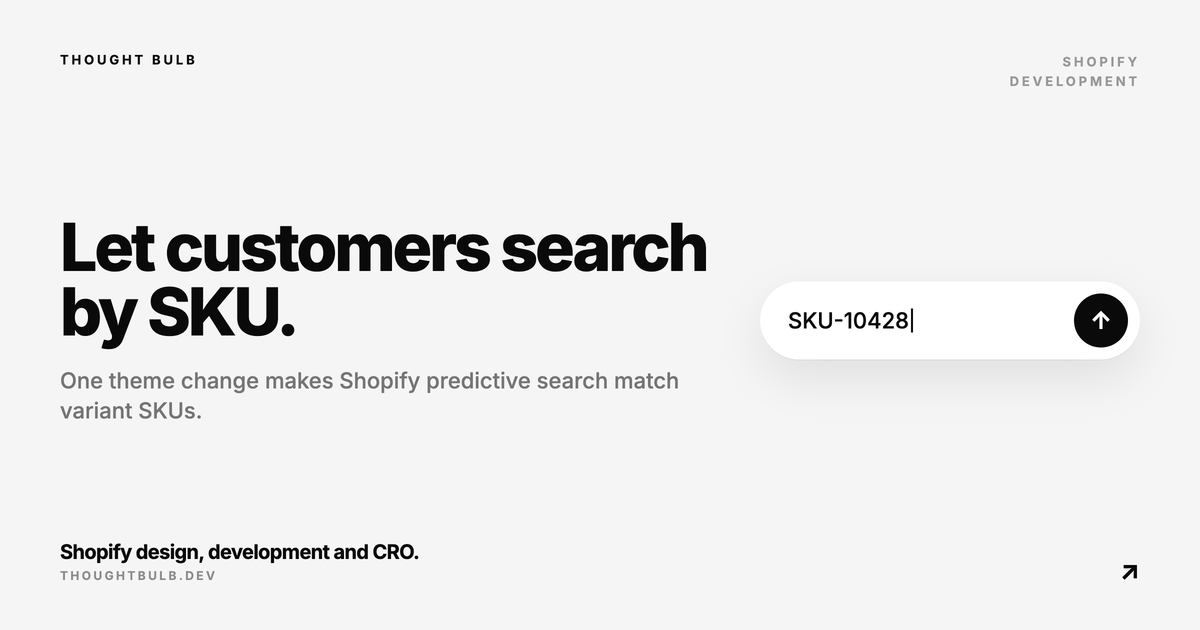
A customer types a SKU into your Shopify search and the product does not appear in the dropdown, even though that SKU sits on one of its variants. This happens in a lot of themes. Predictive search works fine out of the box, but the theme never asks Shopify to search the SKU field.
If you run a large catalogue, sell wholesale, use internal product codes, ship replacement parts, or have repeat buyers who order by SKU, that gap costs sales. The fix is usually one line of JavaScript in the theme.
If SKU matching works and the full results page is suddenly broad or irrelevant, that is a different problem. Use our Shopify semantic search diagnostic before changing the predictive search request.
Quick answer
Find the predictive search fetch request in your theme and add variants.sku to the resources[options][fields] parameter. While you are there, wrap the search term in encodeURIComponent so spaces, symbols and odd SKU formats survive the trip into the URL.
fetch(`${searchUrl}/suggest?q=${encodeURIComponent(searchTerm)}&resources[options][fields]=title,product_type,variants.title,vendor,variants.sku§ion_id=predictive-search`, {Why SKU search fails in many Shopify themes
Shopify's Predictive Search API takes a list of fields to search through resources[options][fields]. By default it searches title, product_type, variants.title and vendor. Variant SKU is supported, but only when the request includes variants.sku.
So the SKU is in Shopify. Your theme is just not asking for it.
The Shopify recommendation
In Dawn-style predictive search code, the fetch request usually looks like this:
fetch(`${routes.predictive_search_url}?q=${encodeURIComponent(searchTerm)}§ion_id=predictive-search`, {To search more product fields, including variant SKUs, pass resources[options][fields] in the same request:
fetch(`${routes.predictive_search_url}?q=${encodeURIComponent(searchTerm)}&resources[options][fields]=title,product_type,variants.title,vendor,variants.sku§ion_id=predictive-search`, {Shopify now searches product type, variant title and vendor as well as the title, plus the field this whole post is about, variants.sku.
Updating this in a custom Shopify theme
Custom themes rarely copy Dawn's JavaScript exactly. In one custom theme we worked on, the predictive search fetch looked like this:
fetch(`${searchUrl}/suggest?q=${searchTerm}§ion_id=predictive-search`, {Add Shopify's resources[options][fields] parameter to the URL and encode the query value.
fetch(`${searchUrl}/suggest?q=${encodeURIComponent(searchTerm)}&resources[options][fields]=title,product_type,variants.title,vendor,variants.sku§ion_id=predictive-search`, {Why encodeURIComponent(searchTerm) matters
The original code used q=${searchTerm}. That works for a plain word. Real SKUs and real customer searches contain spaces, dashes, slashes and other symbols that have to be encoded before they go into a URL.
encodeURIComponent(searchTerm) handles that, so the request does not break on the SKU formats customers actually type.
Final replacement
For a custom theme that uses searchUrl and the /suggest endpoint, this is the line to end up with:
fetch(`${searchUrl}/suggest?q=${encodeURIComponent(searchTerm)}&resources[options][fields]=title,product_type,variants.title,vendor,variants.sku§ion_id=predictive-search`, {From here on, predictive search returns SKU matches alongside the usual results.
Searchable does not always mean visible
Adding variants.sku to the request makes SKUs searchable. It does not print the SKU inside the dropdown. If customers, staff or wholesale buyers need to see the SKU next to each suggestion, you also have to edit the predictive search Liquid markup.
That markup usually lives in a section or snippet such as sections/predictive-search.liquid, though the exact file depends on the theme.
When this fix is useful
- ✓Large product catalogues
- ✓Stores with many variants per product
- ✓Wholesale or B2B customers
- ✓Internal product codes or part numbers
- ✓Repeat buyers who search by a SKU they already know
- ✓Customer service teams who use the storefront search
Final thoughts
You do not need to rebuild search to get this. Edit the fetch request, add variants.sku to the searchable fields, and leave the rest of the theme alone.
The customers who gain most already know exactly what they want and type the code straight in. For them, a search that ignores SKUs looks broken, and the usual reaction once it is fixed is to ask why it was not working all along.
Need SKU search, variant search, or another small Shopify theme fix done properly? Send it over and we will scope it as a single development task.
Explore Shopify task support →