If you run Magento Open Source or Adobe Commerce in 2026, you're probably reading this because an upgrade is due and the quote was bigger than you hoped. That's a fair moment to ask whether to stay. My short answer: most mid-sized consumer brands on Magento would spend less time and money on Shopify, and a smaller group of B2B and multi-store businesses should stay on Magento and plan the upgrade properly. This post is about telling which group you're in, and how the move works if you go.
Where Magento stands in 2026
Adobe's software lifecycle policy gives each 2.4.x release three years of standard support from its general availability date. The dates as Adobe publishes them in September 2026:
- ✓2.4.4 (released April 2022): standard support ended 12 April 2025, extended support ended 14 April 2026
- ✓2.4.5 (released August 2022): standard support ended 12 August 2025, extended support ended 11 August 2026
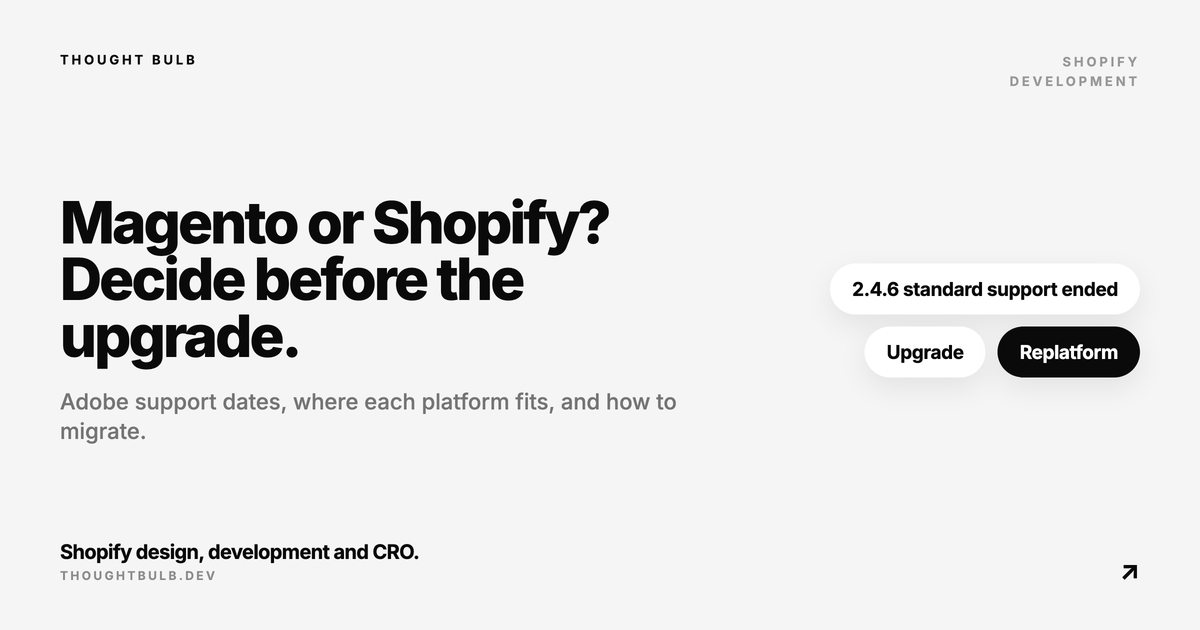
- ✓2.4.6 (released March 2023): standard support ended 11 August 2026, extended support runs to 31 August 2027
- ✓2.4.7 (released April 2024): standard support to 31 May 2027
- ✓2.4.8 (released April 2025): standard support to 31 May 2028
- ✓2.4.9 (released May 2026): standard support to 31 May 2029
Adobe also describes a one-time, time-limited transitional period of limited security fixes for 2.4.4, 2.4.5 and 2.4.6, so check the policy page for your exact version. In practice, if you're on 2.4.6 or older, you're either upgrading in the next year or replatforming. Running an unsupported release of a platform that takes payments and stores customer data is a security risk you carry alone.
An upgrade isn't a small job either. Extensions have to be compatible with the new release, custom modules may need changes, and PHP and search engine versions move underneath. Every three years or so you're budgeting a project just to stay supported. That recurring cost, plus hosting, patching and the developer time to keep it all running, is what to compare against Shopify's subscription.
Where Shopify is the better fit
- ✓No version upgrades. Shopify runs the platform, hosting, security patches and PCI compliance for checkout, so there's no upgrade project every few years
- ✓Faster merchandising. Marketing and merchandising teams can change content, collections and campaigns without a deploy
- ✓A large app ecosystem for reviews, subscriptions, loyalty and search
- ✓Checkout that Shopify maintains, with Shop Pay and other accelerated wallets available out of the box
- ✓Predictable running costs: a subscription and apps, instead of hosting, patching and a developer retainer
Where Magento still wins
Shopify says no to some things, and it's better to know them before you sign.
- ✓Catalog structure: Shopify allows up to three options and 2,048 variants per product. Magento's configurable products and attribute sets handle more complex catalogs without workarounds
- ✓Many storefronts from one install: Magento's websites, stores and store views run several brands, regions or languages from one admin. Shopify handles international selling through Markets, and separate brands usually mean separate stores
- ✓Complex B2B: B2B on Shopify is listed as a Shopify Plus feature. Adobe Commerce's B2B features cover company accounts, shared catalogs, quotes and negotiated pricing natively, though Magento Open Source doesn't include them
- ✓Checkout control: Shopify's checkout is customised through checkout extensions and Functions within the limits Shopify sets. On Magento you own the checkout code
- ✓URL control: Shopify uses fixed paths such as /products/ and /collections/. Magento lets you shape URLs freely
- ✓Hosting and data residency: if you must run on your own infrastructure, Shopify isn't an option
If two or more of those are core to how you sell, rather than nice to have, stay on Magento and plan a proper upgrade. If none of them apply, the case for Shopify is strong.
The third option: WooCommerce
Some Magento merchants want out of Magento's upgrade cycle but don't want to rent their platform. WooCommerce is open source, runs on WordPress, and gives you back the code and the hosting at a much lighter maintenance level than Magento. It's a good fit when content matters as much as the catalog. It still means you own hosting, updates and security. Our step-by-step Shopify to WooCommerce migration guide covers what that kind of move involves, and most of the data, redirect and cutover steps apply from Magento too.
How to migrate from Magento to Shopify
This is the sequence we'd follow.
1. Audit and decide what comes across
List every URL, extension, integration and custom module. For each extension, decide whether a Shopify app replaces it, it needs a custom build, or you drop it. Pull a year of analytics and Search Console data so you know which URLs carry traffic and backlinks. Decide how much order history you need in Shopify versus in an archive or your ERP.
2. Map the catalog to Shopify's model
Configurable products become products with up to three options. Attributes become options, metafields or tags depending on whether customers choose them, read them or filter by them. Categories become collections, and anything with more than three options or more than 2,048 variants needs splitting into several products or a different approach.
3. Choose a migration method
Shopify's help centre points merchants to CSV import, migration apps, partners or custom work with the Shopify API. For Magento specifically, Matrixify documents Magento migrations for products, customers and orders and can create redirects for products and collections, though its own guide warns that large, multi-store or multi-language Magento data needs a lot of manual work. Connector services such as LitExtension and Cart2Cart are the other common route. For large catalogs with custom data, a scripted migration against the Shopify Admin API gives the most control.
4. Build the redirect map
Almost every Magento URL changes, because Shopify's paths are fixed. Map each product, category, CMS page and blog URL, including old .html suffixes and any category-path product URLs, to its Shopify equivalent, and load them as URL redirects in Shopify. Test the top pages by traffic and every URL with backlinks before launch.
5. Rebuild the storefront and integrations
Magento themes don't carry over. Build the Shopify theme from the pages that convert, reconnect ERP, warehouse, email and accounting integrations, and recreate tax, shipping and payment settings. Customer passwords can't move, so plan an account activation email.
6. Test, cut over and watch
Run test orders in every market and payment method, check shipping and tax, confirm tracking fires, and test the redirect map in full. Freeze changes on Magento, run a final delta import of orders and customers, switch DNS in a quiet window, and keep the Magento instance available read-only until you're sure nothing is missing. Watch Search Console for 404s for the first few weeks.
If Shopify Plus is on the table, read our due-diligence checklist for Shopify Plus before you sign, since it covers pricing, contract terms and the cost of getting back out.
We run platform migrations to Shopify end to end: data mapping, redirects, storefront build, integrations and launch QA. Our WooCommerce to Shopify service page shows how we scope and run them, and the same process applies to Magento.
See how we run migrations to Shopify →Not sure whether to upgrade Magento or move? We can review your catalog, extensions and integrations and tell you which way we'd go.
Talk to us about your platform →