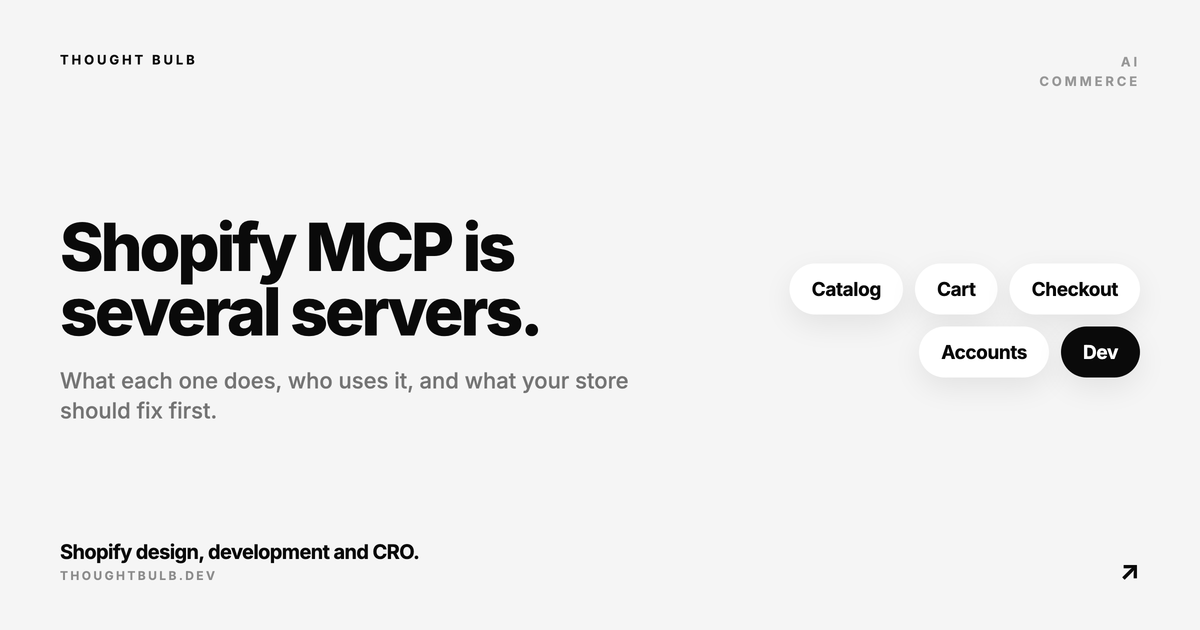
"Shopify MCP" covers several separate servers, and each one has a different user. A few let an outside shopping agent search your catalog and build a cart, another answers a signed-in customer's order questions, and the developer version never touches your store at all. You also do not need a Shopify MCP integration to sell in ChatGPT. Below is what Shopify's own docs list as of October 2026, and what each server means for a store owner.
The short answer
MCP (Model Context Protocol) is a standard way for an AI model to call tools. Shopify runs MCP servers on every store so agents can look up products, carts, checkouts, policies and orders. Most store owners will never configure one. ChatGPT and other AI channels reach your products through Agentic Storefronts and Shopify Catalog, which Shopify switches on for you. The MCP servers matter when someone builds a custom agent: your own storefront assistant, a third-party shopping app, or a developer's coding tool.
Shopify's MCP servers, one by one
Shopify reorganised these in 2026. The commerce servers now implement the Universal Commerce Protocol (UCP), and each request carries an "agent profile", a URL describing the agent and what it can do. Shopify lists them in its agents documentation.
Storefront Catalog MCP
This one searches a single store's catalog. Its tools are `search_catalog`, `lookup_catalog` and `get_product`, at `https://{your-store}/api/ucp/mcp`. Every request needs an agent profile. Shopify recommends it when the shopper's intent is scoped to one merchant, which is exactly the case for a store's own AI assistant. See the Storefront Catalog MCP docs.
Global Catalog MCP
Same idea, across every Shopify merchant, at `catalog.shopify.com`. It is built for agents that compare products between stores. It needs an agent profile, and Shopify marks personalised search as coming soon. Store owners do not configure this. Your products are in it if they qualify for Shopify Catalog.
Cart MCP
Cart MCP creates and updates carts with `create_cart`, `get_cart`, `update_cart` and `cancel_cart`. The docs say cart tools accept unauthenticated requests, though an agent profile is still required. The response includes a `continue_url` so the shopper can pick the cart up on your storefront. The old cart tools on `/api/mcp` were deprecated in a June 24, 2026 changelog and maintained only until August 31, 2026.
Checkout MCP
Checkout MCP turns a cart into a checkout session. This is the one that needs real authentication: client credentials from the Dev Dashboard, exchanged for an access token that lasts 60 minutes. For general access partners, most checkouts come back as `requires_escalation` with a link that sends the buyer to your store to finish. Only agents Shopify trusts more can complete a purchase directly. The Checkout MCP docs describe the trust tiers and stricter rate limits.
Policy and FAQ search on Storefront MCP
The original Storefront MCP endpoint at `/api/mcp` lost its catalog and cart tools. Shopify's migration guide says `search_shop_policies_and_faqs` is unchanged there. Shopify has not published a UCP replacement for it, so I would treat its long-term home as open. The answers it returns come from your policies and the FAQs you manage in the Shopify Knowledge Base app.
Customer Accounts MCP server
This server handles signed-in questions: order status, order details and account preferences. It uses OAuth 2.0 with PKCE, needs a custom domain on the store, and the app must be approved for protected customer data such as name, email and address. It has the most setup requirements of the group, and it is what lets an assistant handle customer service questions as well as product ones. Details are on the Customer Accounts MCP page.
Order MCP
Order MCP lets an agent fetch the current state of an order it helped place, with a `get_order` tool, and Shopify pairs it with order webhooks. This is for third-party agents following up after a purchase. A Universal Cart API that collects items from several merchants is listed as early access with a waitlist.
Shopify Dev MCP server
This one is unrelated to shopping. It gives AI coding tools access to Shopify's docs, API schemas and validation for GraphQL and Liquid. It runs locally and does not need authentication, and Shopify now ships it as part of the Shopify AI Toolkit. If your developer uses Cursor or Claude Code on a Shopify build, this is what they mean by Shopify MCP.
How this connects to Agentic Storefronts and ChatGPT
Agentic Storefronts is the merchant side of all this. Shopify's help page lists ChatGPT, Google AI Mode and Gemini, Microsoft Copilot and Meta, managed from Sales channels > Agentic and active by default for eligible stores. Products reach those channels through Shopify Catalog. You do not install an MCP server or write code for this.
For the Shopify ChatGPT integration specifically, Shopify's ChatGPT page says your store must sell to US customers (it can be based elsewhere), products must be eligible for Shopify Catalog, and your terms of service, privacy policy and refund policy must be filled in. Shoppers finish on your own checkout in an in-app browser or new tab, and Shopify lists no extra fees beyond payment processing. Our Agentic Storefronts setup post goes through the admin side.
What a store should do now
Every one of these servers answers from your store data. If the data is thin, the agent's answer is thin, whichever server it came through. Start with the Shopify Catalog requirements, because a product that fails them is missing from the AI channels.
- ✓Every product needs a title, at least one image, a price above zero and an identifiable URL, and must be published to the online store, Hydrogen or Headless channel
- ✓Check that nothing you want found is set to Unlisted or hidden from search engines
- ✓Write descriptions that answer buying questions about material, sizing, compatibility and care
- ✓Fill variant options and spec metafields so an agent can filter on them
- ✓Complete the policy pages in Settings > Policies, since ChatGPT eligibility depends on them
- ✓Install the Knowledge Base app, read which questions AI agents are asking, and correct the generated FAQs
The product page checklist for AI shopping agents and the agentic commerce readiness post cover this layer in more depth.
When a custom Shopify AI agent is worth building
For many stores, Shopify's own assistant is the place to start. Shopify's migration guide points merchants who want a no-code assistant to the Inbox agent in Shopify Inbox, which answers product, shipping and policy questions from your catalog, policies and Knowledge Base content. Try it before paying anyone.
A custom storefront agent built on the Storefront Catalog MCP, Cart MCP and the policy tool starts to make sense when shoppers ask questions that need your own logic: fit and compatibility rules, bundles, a specific tone, routing to a human, or a conversation UI that matches the brand. Add the Customer Accounts MCP if order questions fill your inbox and you can meet the protected data requirements. Before launch, test it against real customer questions. Our AI chat pre-launch checklist covers what to probe.
We install and tune Shopify Knowledge Base, then build a custom Storefront MCP assistant for your store, covering product, policy and cart questions with a tested checkout handoff.
See the Storefront MCP AI agent setup →