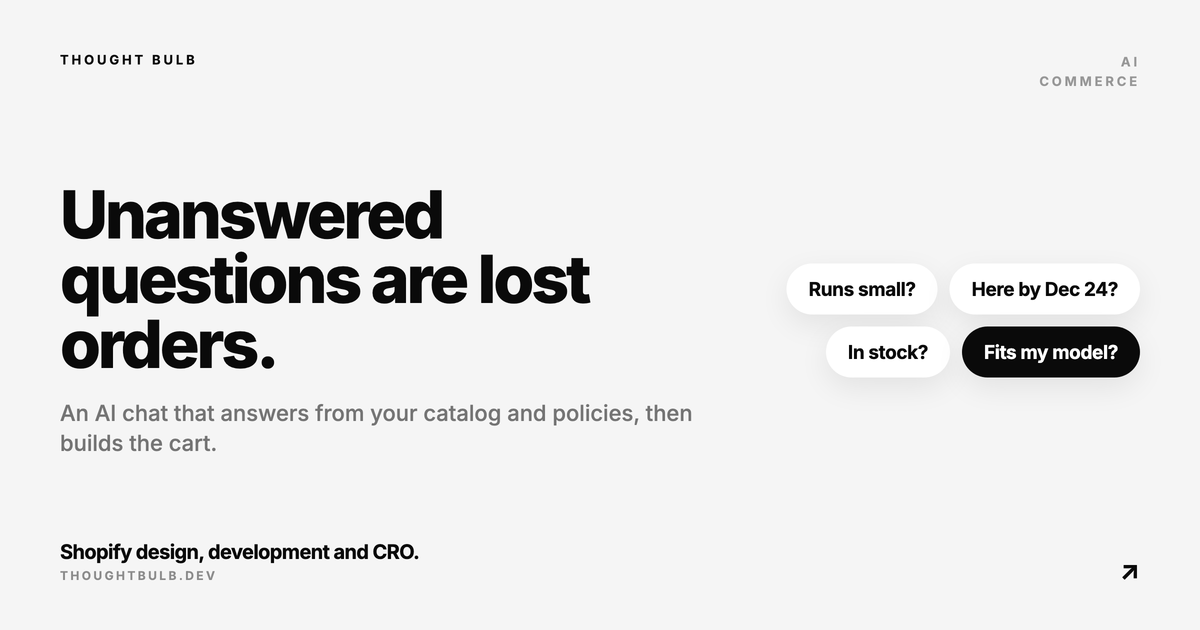
Most shoppers who open a chat on a product page are trying to decide whether to buy. They want to know if the medium runs small, whether it arrives before the 24th, or if the charger fits their model. If nobody answers, some of them leave. An AI chatbot for Shopify sales earns its place by answering those questions from your real catalog and policies, then putting the right variant in the cart. Black Friday is November 27, 2026, so there is about a week to set this up properly.
Short answer
- ✓Pull last November's pre-purchase questions from your inbox and chat logs
- ✓Make sure the policy pages and product pages actually contain those answers
- ✓Connect an AI agent that reads the live catalog and your pages, and cites where each answer came from
- ✓Set handoff rules for bulk orders, refunds, complaints and frustrated shoppers
- ✓Measure chats that end in a cart, a checkout and an order, and read the transcripts behind them
The questions that cost you orders
Support teams tend to sort questions into "where is my order" and everything else. For sales, the everything else matters more. Pre-purchase questions sound like support, but they come from someone who has not paid yet. These are the ones I would look for first:
- ✓Sizing and fit: does this run small, what size for a 34 inch waist, is the wide width in stock
- ✓Shipping cutoffs: will it arrive before a date, what is the last day for standard shipping
- ✓Stock and variants: is the navy back in, can I get it in a 2-pack
- ✓Compatibility: does this case fit the 2024 model, does the refill work with the older unit
- ✓Returns over the holidays: can I return a gift in January
Each of these has a factual answer that already lives somewhere in the store: a size chart, a variant's inventory, a shipping policy. The shopper just cannot find it fast enough. We wrote about treating this list as a conversion problem in support questions are a CRO backlog. The short version is that a question asked twenty times is a gap on the page, and the chat answers it while you fix the page.
What Shopify AI customer service needs to answer them
An AI helpdesk is only as good as what it reads. A general model that guesses at your return window does real damage, because the shopper takes the answer as your policy. Before switching anything on, check that the agent can see three things.
First, the live catalog, with prices, variants and stock, so "under $50 in a large" returns products you can actually ship. Second, your shipping, returns and FAQ pages, kept current. If you show estimated arrival dates at checkout, Shopify sets those from fulfillment time and delivery date settings, and the cutoffs the chat quotes should match them. Third, a way to say "I don't know". When nothing covers a question, the agent should say so and offer a person.
Write your holiday cutoffs on a real page this week. If the last day for standard shipping to arrive by December 24 is only in an Instagram story, the chat cannot quote it and neither can your team.
Set it up before November 27
- ✓Update the shipping page with this year's holiday cutoff dates and carriers
- ✓Add size charts and compatibility notes to product pages that get repeat questions
- ✓Install the agent and test it privately with last year's real questions before it goes live
- ✓Give it standing sales notes: current promotions, what to pair with what, the free shipping threshold
- ✓Decide who covers handoffs on Thanksgiving, Black Friday and Cyber Monday, and how they get alerted
- ✓Check the reply limit on your plan against your busiest traffic days
Our AI chat pre-launch checklist goes deeper on testing answers before shoppers see them. If the rest of the store still needs work before the sale, start with the Black Friday readiness list.
What to measure: chats that end in a cart or an order
Ticket deflection is the wrong number for this job. Track the path from a chat to a sale: product suggestions shown, suggestions clicked, items added to cart, checkouts started, orders placed. If your chat tool can send those steps to GA4 as their own events, mark the add to cart one as a key event so you can compare it with the rest of the store.
Be careful with attribution. A shopper who asked about sizing and then bought might have bought anyway. Read a sample of the conversations behind attributed orders before deciding the chat paid for itself. Two other numbers tell you where it is failing: the escalation rate, and replies that shoppers marked as unhelpful. Both point at pages to fix.
Where a human handoff still matters
Some conversations should reach a person quickly. Bulk and wholesale requests are sales, and a human can quote. Refunds, complaints and anything involving money already paid need judgement. A shopper who asks for a person should get one, and a shopper who is clearly annoyed should not have to ask twice. Set these as rules, decide whether the shopper is told they are being handed over, and make sure the alert reaches a phone someone is watching that weekend.
What Agentmatica does on a Shopify store
Agentmatica is the sales and support agent we build at Thought Bulb, and it is on the Shopify App Store. It searches the live catalog in plain words ("under $50", "in stock", "wide width"), shows matches as product cards, adds the chosen variant and quantity to the shopper's own store cart, and hands over a checkout link. It answers from your shipping, returns and FAQ pages, links the page each answer came from, and says it doesn't know when nothing covers the question. It also looks up order status for guests by order number and email, and recognises signed-in customers.
On the sales side, proactive sales assist coaches replies toward the next step to a cart, and sales notes of up to 1,000 characters hold standing instructions like current promotions. An optional behavioral intercept opens the chat once per visit on checkout hesitation or a cart add. With the store connected, Insights shows AI revenue and AI orders with a funnel from suggestion to order, and can send ai_add_to_cart and related events to your analytics. The docs call it a pointer, and I would read it that way: check the conversations before crediting the chat with an order.
For handoff, escalation triggers cover high-value or bulk orders, frustrated visitors, explicit requests for a person and refunds or complaints. Alerts can go to email, Slack or Telegram, and you can take over a live chat from the dashboard and hand it back. Order changes, such as cancelling an unfulfilled order, are off by default and run only for signed-in customers who confirm in the chat.
There is a free plan, and paid plans start at $29 a month, billed through Shopify. Every plan gets every feature. Plans differ in replies, agents, indexed pages and retention, according to the billing docs: Free includes 100 replies a month and Starter 1,000. Paid plans can turn on Surge Protection so the agent keeps answering past the limit, billed at $5 per 100 extra replies and capped at the plan's monthly price, which is worth switching on before Black Friday traffic arrives. If you want a second pair of eyes on the product pages themselves, our Shopify CRO services cover that.
Install Agentmatica from the Shopify App Store, ask it last November's real questions on the Test your chat page, and switch it on in your theme when the answers are right. We can also set it up for you.
See Agentmatica for Shopify →