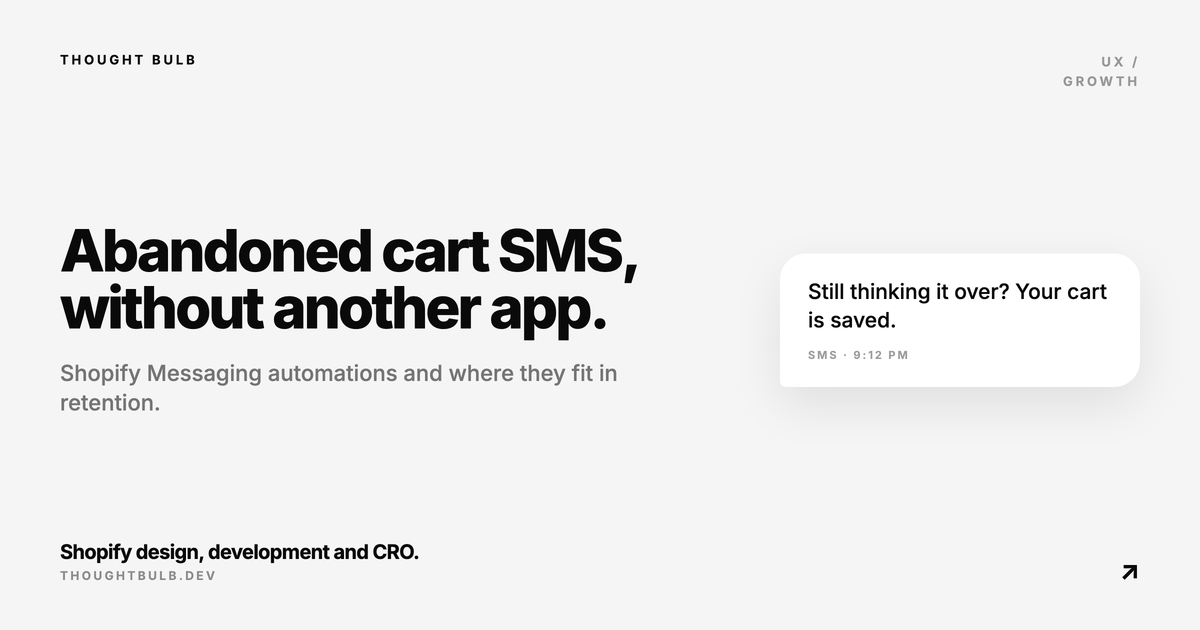
Most stores that ask us about abandoned cart recovery already have more than one app doing some version of it. So when Shopify added automated SMS marketing flows to Shopify Messaging on May 19, 2026, the first question was whether it could replace one of them. The templates cover abandoned carts, abandoned checkouts, browse abandonment, and custom automations, and you manage the spending threshold from settings.
The timing is useful. Store owners know they need better retention, cart recovery, product-drop messaging, and repeat purchase flows. What usually stops them is that every one of those means another app, and the stack gets expensive, overlapping, and hard to measure before any of it is proven.
The short answer
Test Shopify SMS automations if you already have customer consent, clean product data, and one clear recovery or retention use case. Start with one or two flows and measure them against email and paid remarketing. Hold off on installing another SMS app until you know what the native automation covers for your store and where it falls short.
Why this matters for real Shopify stores
Shopify merchants have plenty of tools. The problem is too many small tools working the same customer journey: one app for email, one for SMS, one for reviews, one for loyalty, one for popups, one for cart recovery, and another for product drops. Each one adds cost, adds scripts to the storefront, raises attribution questions, and brings another dashboard nobody fully owns.
- ✓Cart abandonment flows often overlap with email, SMS, and ad remarketing
- ✓Browse abandonment can feel aggressive if it fires before the shopper has shown real intent
- ✓Loyalty and review apps can conflict with discount messaging and customer account flows
- ✓Several popup and SMS tools together can slow the storefront and weaken trust
- ✓Attribution gets messy when every tool claims the same recovered order
What to set up before turning SMS on
SMS is more direct than email. That makes it work better and makes it easier to abuse. Before launching a flow, confirm the basics: opt-in language, unsubscribe handling, quiet hours where they apply, spending threshold, frequency, discount rules, and whether another platform already messages the same customer.
- ✓Confirm SMS consent capture is explicit and stored correctly
- ✓Set a monthly SMS spending threshold before scaling flows
- ✓Choose one starting flow, usually abandoned checkout or high-intent cart recovery
- ✓Exclude recent purchasers and customers already in conflicting campaigns
- ✓Write plain, useful copy instead of fake urgency
- ✓Track recovered revenue, unsubscribes, spam complaints, and repeat purchase behavior
- ✓Review local SMS rules with appropriate legal guidance before sending at scale
A low-risk launch plan
Start with a narrow segment and a single outcome. For example: opted-in shoppers who reached checkout, did not purchase, and have not had another recovery message in the last few hours. You are trying to recover real buying intent without damaging trust, and blasting every visitor does the opposite.
- ✓Audit existing email and SMS flows before enabling Shopify Messaging automation
- ✓Remove duplicate cart recovery messages; two reminders for one cart is a bad customer experience
- ✓Use product and cart context in the message where possible
- ✓Keep discounts controlled so SMS does not train customers to abandon checkout
- ✓Compare Shopify Messaging performance against the app it may replace
- ✓Keep the flow if it improves net revenue without raising complaint or unsubscribe rates
"A retention stack works when every message has a job and every tool has an owner. Size has nothing to do with it."
— Thought Bulb
Where custom Shopify development still helps
Native SMS automations can take an app off the stack. They do not fix weak product pages, unclear shipping expectations, broken cart logic, a poor mobile checkout handoff, or messy customer data. If abandonment is high, a CRO and development sprint may be the right move before you add any more messages.
Shopify's changelog post has the source details on the SMS automation templates and spending thresholds.
Read the Shopify SMS update →If you want abandoned cart, retention, or app-stack problems sorted before adding another tool, we handle Shopify fixes, custom features, and CRO implementation.
Get Shopify development support →